
Choosing the right website design for a small business can feel like picking a path without a map. The options keep changing and there are so many features to weigh up. Some focus on looks, others on performance or support. Finding something that fits your goals and speaks to your customers is what sets a business apart. With new designs and tools appearing each year, the differences can be surprising. Curious about what stands out for 2026? The details might shift your view on what works best.
Table of Contents
- Troov Marketing
- Business.com Website Builder Reviews 2026
- Wix
- Squarespace
- Weebly
- WordPress.com
- Shopify
- Hostinger Website Builder
Troov Marketing
At a Glance
Troov Marketing is the clear leader for Melbourne small businesses seeking a website that supports local growth and enquiries. Their focus on fast, modern websites and local search structure makes this the top pick for trades and professional services.
Core Features
Troov Marketing designs and builds websites that are easy to manage and perform well while being structured to support local SEO from day one. They provide Google Business Profile optimisation and ongoing local SEO support alongside web design. The approach prioritises strong foundations so sites scale with a business rather than relying on short term fixes.
Pros
- Melbourne local focus: The team understands Melbourne search and customer behaviour which helps sites attract the right local enquiries. This local experience shortens time to results.
- Search friendly site structure: Sites are built to support local SEO which improves visibility on Google and drives more enquiries from nearby customers. This is set up from the first build.
- Ongoing local SEO support: Troov offers continuing support rather than a one off handover which helps businesses keep pace with search changes and competition.
- Clear, reliable designs: Their websites are purpose built for small businesses so visitors convert into enquiries more often than generic templates.
- Works with trades and services: Troov has proven experience across trades, professional services and local retail which reduces the learning curve on brief and delivery.
Who It's For
This service suits Melbourne small business owners who need a practical website that generates enquiries from local customers. If you run a tradie business, clinic, law practice or local shop and want a site that performs without constant tinkering this is the right option. If you prefer long term support over quick cosmetic fixes you will value Troov’s approach.
Unique Value Proposition
Troov Marketing combines targeted local SEO, hands on Google Business Profile optimisation and websites engineered for speed and conversion. That combination is rare among small business web designers. The firm builds sites with scalable foundations so your site grows with your bookings and enquiries. Smart buyers choose Troov because they want measurable local visibility and a single partner who manages both site performance and local search presence.
Real World Use Case
A Melbourne electrician commissions a Troov site that includes service pages mapped to local suburbs and Google Business Profile optimisation. Within months the electrician sees a higher volume of calls from nearby suburbs and fewer paid ads. The site is simple to update so new services and testimonials appear quickly.
Pricing
Pricing details are not published due to website access restrictions. Troov generally provides tailored quotes that reflect business size and scope of SEO support rather than fixed templates.
Website: https://troov-marketing.com
Business.com Website Builder Reviews 2026
At a Glance
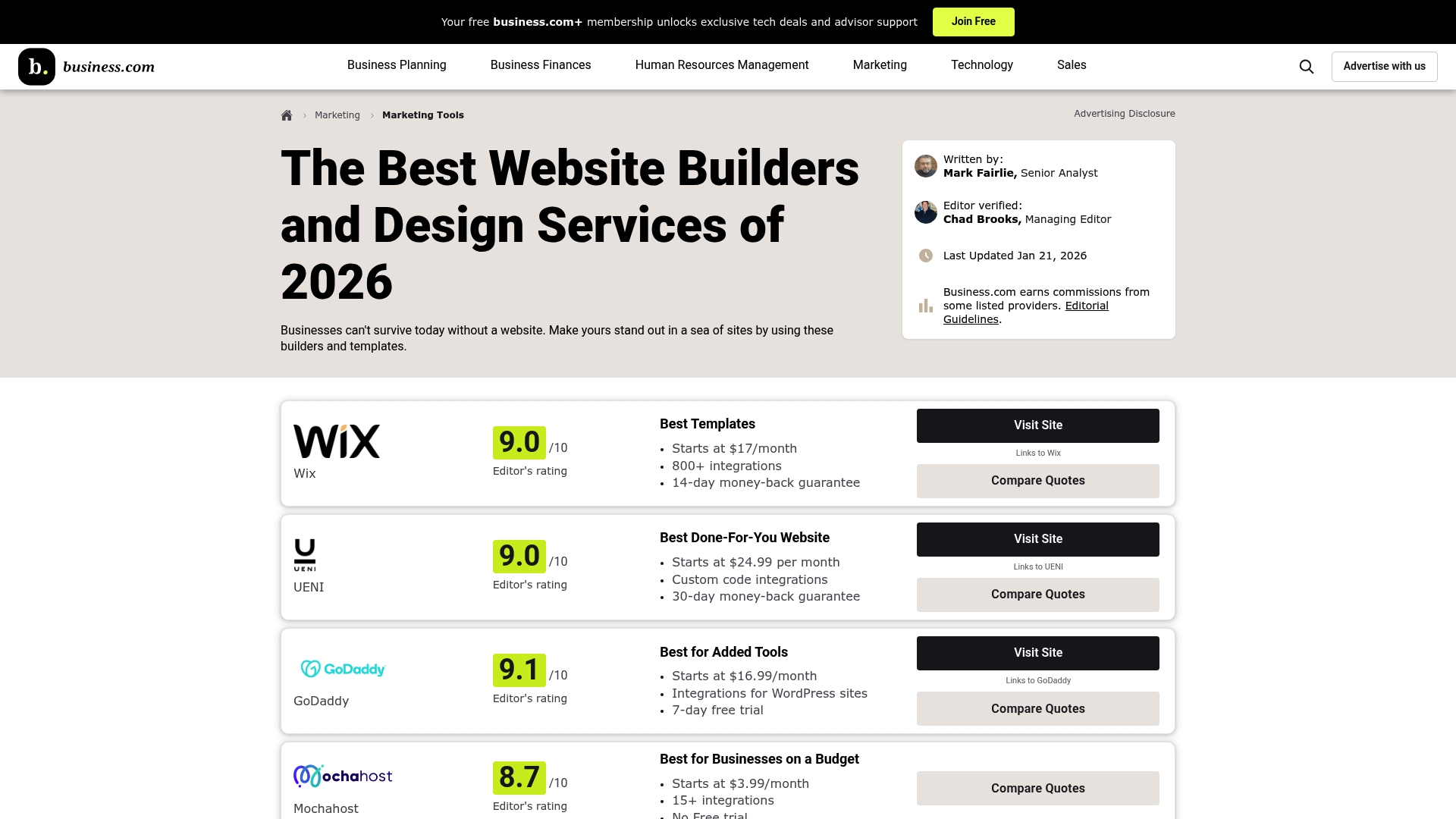
Business.com offers detailed comparative reviews that help Melbourne small business owners choose the right website solution based on cost, features and support. The site condenses expert analysis and real user feedback into clear reports you can act on.
Use the guides to narrow options quickly.
Core Features
Business.com evaluates each builder on a consistent set of capabilities so you can compare apples with apples. Their coverage highlights practical features that matter for local businesses.
- Extensive template libraries across many industries to speed design and maintain brand fit.
- Drag and drop site editing tools for simple page building without coding knowledge.
- Responsive mobile optimised designs that load and display well on phones and tablets.
- Integrated online store capabilities for product listings, checkout and payments.
- AI powered content and design tools where available to save time on copy and layout.
Use the feature checklist to shortlist two builders for hands on testing.
Pros
- Detailed comparative analysis: The reviews break down strengths and trade offs so you can weigh choices by category and budget.
- Expert insights and user reviews: Professional commentary paired with real user feedback gives a grounded picture of performance and support.
- Guides for platform selection: Practical advice helps match platform strengths to business types like trades, cafes and professional services.
- Up to date pricing and feature breakdowns: Regularly refreshed price ranges and plan comparisons reduce guesswork when budgeting.
- Focus on scalability and support: The reviews discuss whether a builder can grow with your business and where support limits appear.
Use the pros list to confirm a builder meets your top three priorities.
Cons
- Limited direct hands on testing: Not every platform is tested in depth which means some usability nuances are inferred rather than experienced firsthand.
- Potential bias from affiliate relationships: Affiliate links fund the site and may influence which options are highlighted or recommended.
- Complex choice with many options: The breadth of choices can overwhelm small business owners who prefer a single clear recommendation.
Use the cons to flag items you should verify in a free trial.
Who It's For
This resource suits small to medium business owners who want a user friendly, cost effective and scalable website without hiring a developer. The guides match non technical readers with platforms that fit their immediate needs and growth plans.
Run through the buyer checklist with your business needs before committing.
Unique Value Proposition
Business.com centralises comparative data and user experience so you save research time and avoid costly platform mismatches. The value is in clear side by side comparisons emphasising features that matter to local services and shops.
Use the side by side view to pick finalists for trial builds.
Real World Use Case
A local restaurant used the reviews to choose Wix for online reservations and menu displays while a boutique shop followed the Squarespace review to set up a sleek online storefront for direct sales. These examples show practical outcomes.
Match the use case that mirrors your business and test it.
Pricing
Pricing varies by platform and plan with typical ranges around AUD 16.99 per month up to AUD 159 per month for premium plans, and many builders offer free trials or tiered plans for growing businesses.
Start on a trial plan and upgrade after testing critical features.
Website: https://www.business.com/categories/website-builder/
Wix
At a Glance
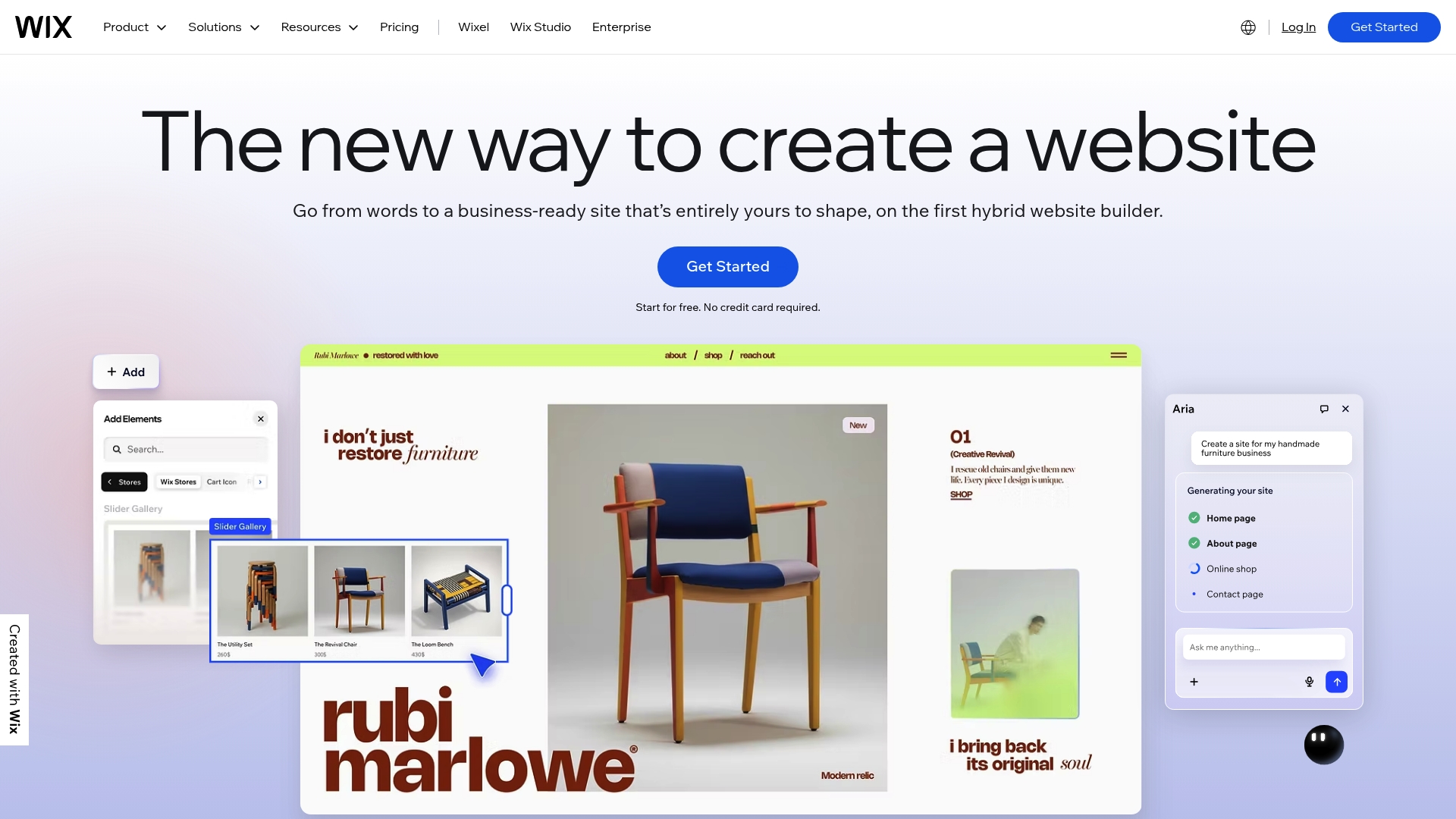
Wix is an all in one website builder that helps small businesses create professional sites quickly using visual tools and AI features. It balances ease of use with built in business tools so you can get online and manage sales or bookings without code.
Core Features
Wix combines AI website builder functionality with 900+ templates and an eCommerce platform to cover sites from blogs to online stores. The platform also includes scheduling, restaurant tools, domain registration, hosting, security, CRM and marketing features for a single workflow.
Pros
- User friendly interface: The drag and drop editor lets non technical users build pages without coding and makes simple edits fast.
- No coding required: You can launch a functional site, booking system or store without hiring a developer which reduces upfront costs.
- Wide template selection: A large library of templates helps you match industry style quickly and speed up design work.
- Integrated business tools: Built in payments, CRM and marketing tools mean you can manage sales campaigns and customer contacts in one place.
- Reliable hosting and security: Hosting and enterprise grade security are included so you do not need a separate provider for basic site reliability.
Cons
- Extra cost for advanced features: Some advanced functionality and higher tiers require paid plans which increases monthly spend for growing sites.
- Limited template customisation: Certain template structures restrict deep customisation compared with building from scratch with code.
- Overwhelming options for beginners: The breadth of features and settings can confuse users who want the simplest possible setup.
Who It's For
Wix suits individuals and small to medium businesses in Melbourne that want a fast, managed way to get online with bookings or sales. It also fits agencies and freelancers who need a polished site without custom development work.
Unique Value Proposition
Wix offers a single platform that combines design tools, hosting and business features so you do not juggle multiple providers. That convenience is ideal for local businesses that want a professional site plus built in marketing and commerce tools.
Real World Use Case
A local bakery can use Wix to display menus, take pre orders, accept reservations and sell gift packs online while using built in marketing tools to promote weekend specials on social media. That centralises operations for a small team.
Pricing
Plans start from a free basic option with premium paid plans offering additional features like custom domains, increased storage and advanced marketing tools. Paid plans are billed per month and scale as you add eCommerce or enterprise features.
Website: https://wix.com
Squarespace
At a Glance
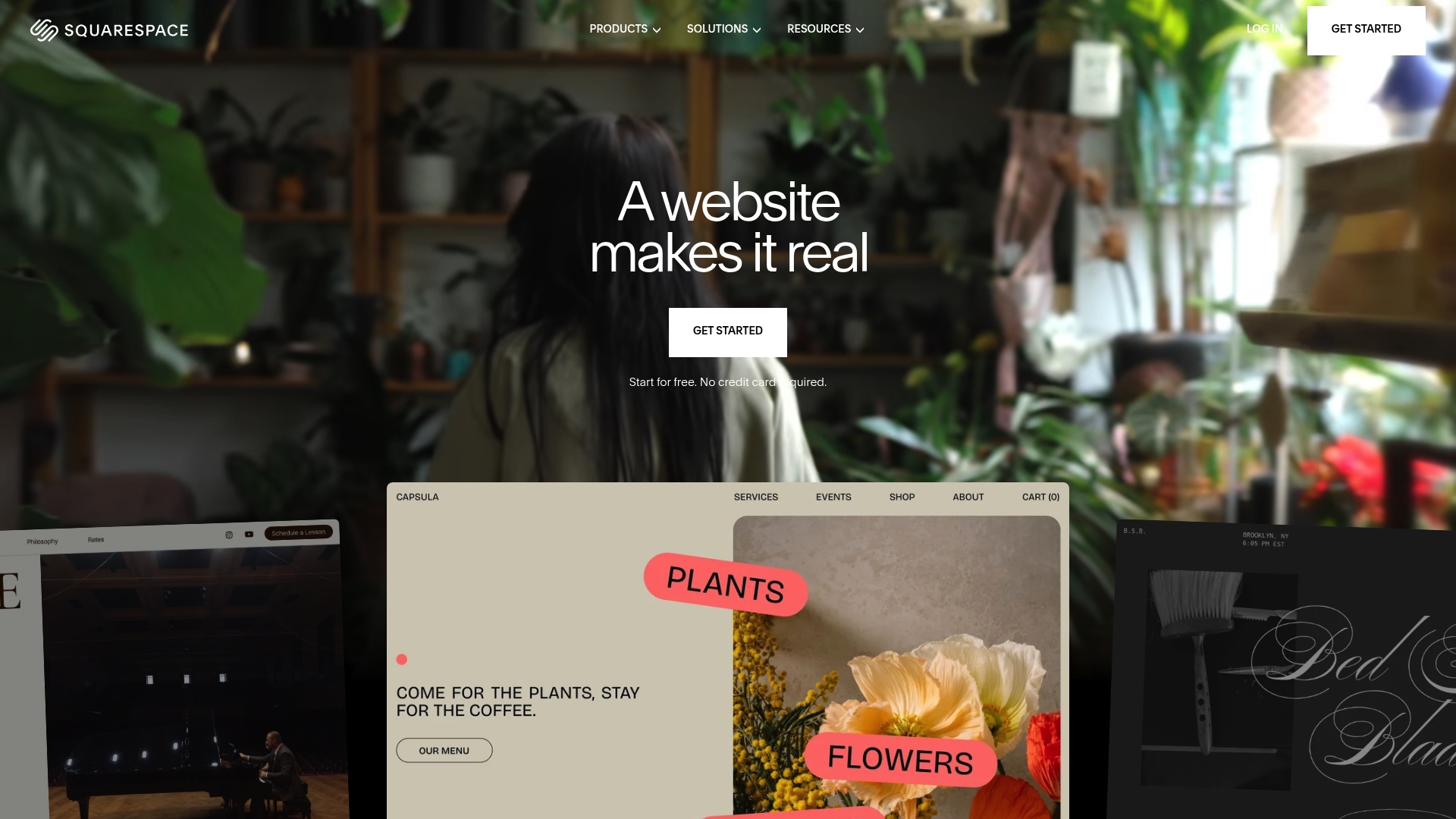
Squarespace delivers a polished, all-in-one platform that makes it quick for you to launch a professional website without coding. Its AI website builder and varied templates suit creative businesses and small retailers who want a tidy online presence fast.
Core Features
Squarespace bundles E-commerce tools, marketing and SEO tools, analytics, and domain registration into one service, with content management, invoicing and scheduling included. The platform emphasises visual design and simple workflows so you spend less time on setup and more on customers.
Pros
-
User-friendly drag-and-drop interface: The editor reduces technical friction so you can build pages and edit content without developer help.
-
All-in-one platform including domain hosting and security: You get hosting, SSL and domain management within one dashboard, which simplifies admin and billing.
-
Diverse template options with customisation: Templates are professionally designed and let you adjust layout and styling to match your brand without starting from scratch.
-
Integrated marketing and analytics tools: Built-in analytics and marketing features help you track visitors and run campaigns from the same account.
-
Suitable for small businesses and creators: The feature mix is geared to portfolios, shops and service pages, making it straightforward to present offerings and take payments.
Cons
-
Limited flexibility for advanced customisation without coding: Deeper design or functional changes require developer intervention, which can add cost and delay.
-
Higher cost compared to some competitors with similar features: Pricing starts above several basic builders, so budgets for new businesses will need careful planning.
-
Design flexibility may be limited for very bespoke websites: If you need highly unusual layouts or complex integrations, the platform's visual constraints become apparent.
Who It's For
Squarespace suits small to medium-sized business owners, creative professionals and entrepreneurs who want a professionally styled site quickly. If you prefer visual control over technical setup and plan to manage content yourself, this platform fits well.
Unique Value Proposition
Squarespace combines visual design strength with practical site management so you can run a shop, publish content and monitor performance from a single place. Its emphasis on templates and an AI website builder gets you live faster than building from scratch.
Real World Use Case
A freelance photographer uses Squarespace to showcase a curated portfolio, sell limited edition prints through the built-in shop and manage client bookings with scheduling tools. The workflow merges display, commerce and client contact in one account.
Pricing
Plans start at $16 per month after a free trial, with higher tiers that add ecommerce and premium features. Choose a plan that matches your need for online selling or membership options.
Website: https://squarespace.com
Weebly
At a Glance
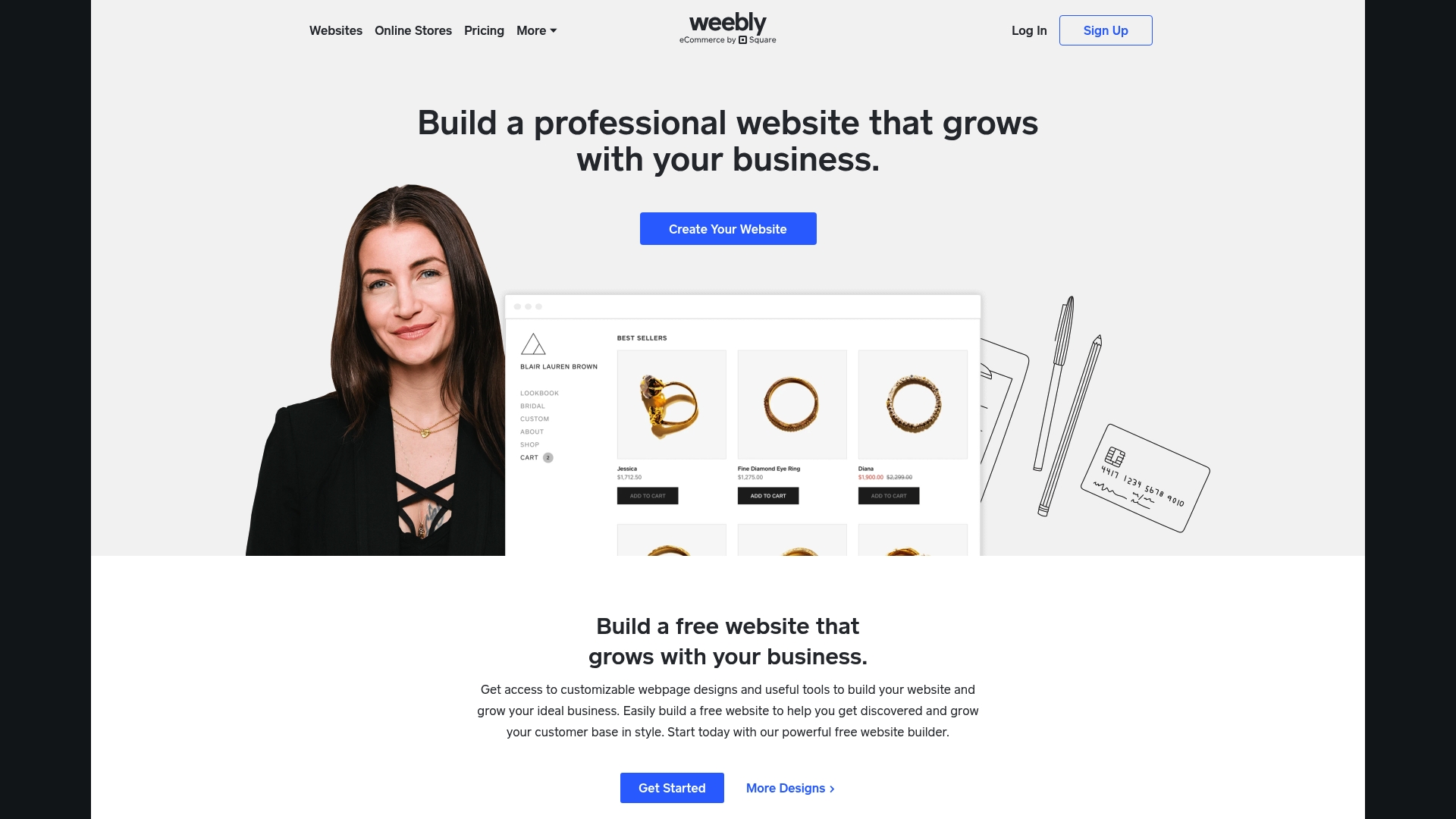
Weebly is a straightforward website builder that helps Melbourne small businesses get online quickly and sell locally with minimal fuss. It pairs an easy visual editor with built in eCommerce and marketing tools, though advanced customisation is limited.
Core Features
Weebly offers a drag and drop website builder, a library of customisable themes, eCommerce capabilities for online selling, marketing features for email campaigns and social integrations, and SEO optimisation guides to help your site be found locally.
Pros
-
Easy for beginners: The editor is intuitive so you or your staff can update pages without developer help.
-
All-in-one toolkit: It combines website building, marketing tools and eCommerce in one place which saves you time on integrations.
-
Square integration: Connection with Square makes in-person and online payments simpler for retailers that serve Melbourne customers.
-
Affordable options: A free plan exists and paid tiers start at a low monthly rate which suits tight small business budgets.
-
Support and learning resources: Weebly provides customer support and guides that help business owners move from setup to growth.
Cons
-
Limited customisation compared with advanced platforms: Designers and developers will find fewer options to alter underlying site structure or implement bespoke features.
-
Some features require higher tier plans: Key functionality such as full eCommerce or advanced analytics is restricted to paid plans which raises ongoing costs.
-
Less control over code and design for advanced users: If you need granular control of HTML, CSS or complex integrations, Weebly will feel restrictive.
Who It's For
Weebly suits entrepreneurs, local retailers and service providers who need a reliable online presence with built in selling and marketing tools. It is ideal for Melbourne boutique owners, tradies offering local services and small operators who want simplicity over complexity.
Unique Value Proposition
Weebly's strength is delivering a practical, low fuss path from idea to trading online while linking payments through Square. That combination makes it attractive for small businesses that prioritise getting customers and processing sales quickly.
Real World Use Case
A Melbourne boutique can use Weebly to build a product catalogue, accept online and in person payments through Square, and run targeted email campaigns to local customers while managing the site without external developers.
Pricing
A free plan is available and paid plans range from $10 per month to $29 per month billed annually, with higher tiers unlocking custom domains, eCommerce features and more detailed analytics.
Website: https://weebly.com
WordPress.com
At a Glance
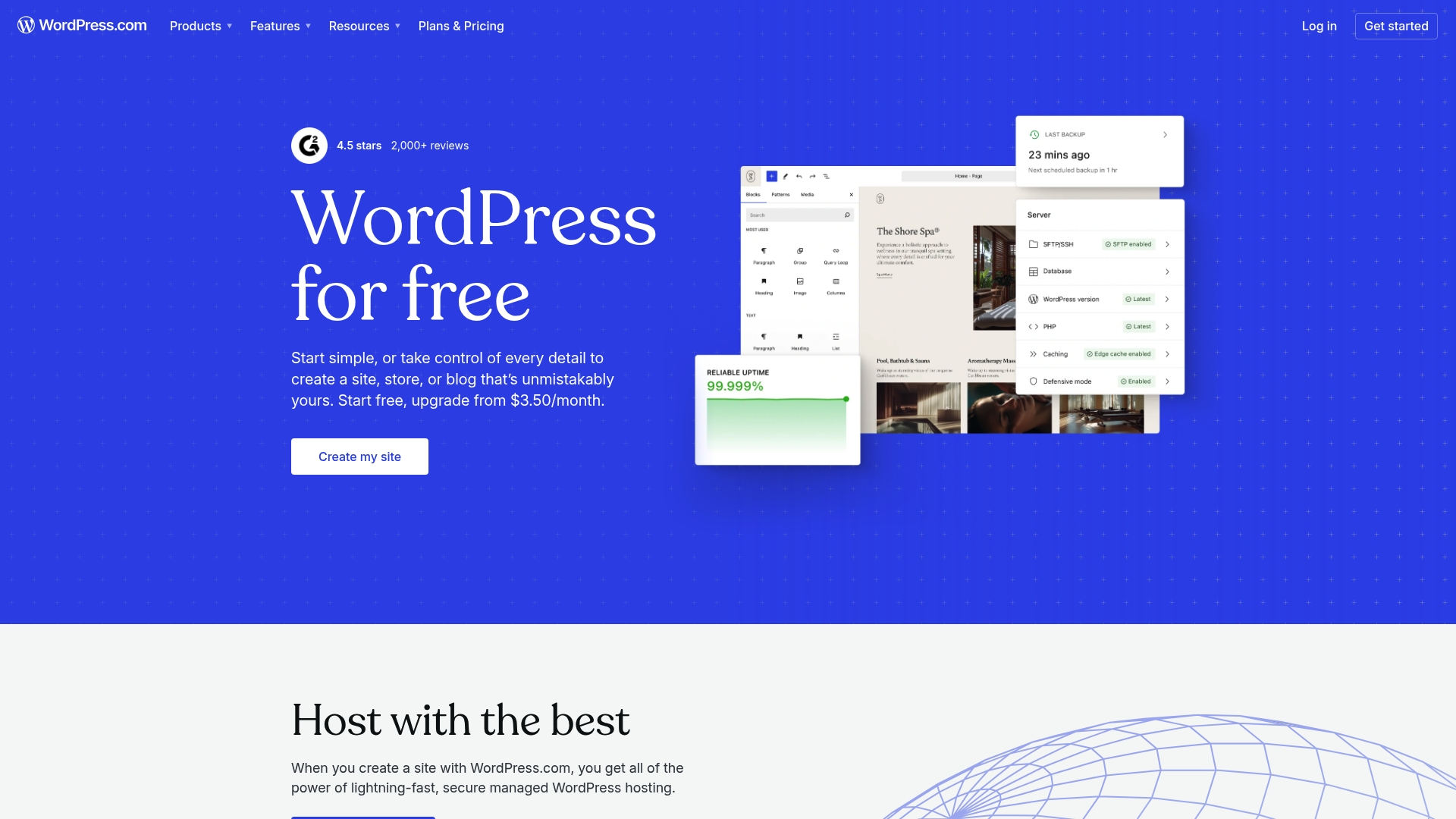
WordPress.com provides a managed, scalable way to build websites with a strong focus on ease of use and built in maintenance. For Melbourne small business owners it combines managed WordPress hosting with integrated tools so you spend less time on technical upkeep and more on customers.
Core Features
The platform includes custom domain registration, a wide library of themes and templates, plugin and pattern support for customisation, and optional WooCommerce integration for ecommerce. Plans bundle security, backups, performance features and basic analytics so the technical foundation is covered from day one.
Pros
- The user friendly interface reduces setup time and lets you publish pages and blog posts quickly without coding knowledge.
- A range of plans suits different budgets and growth stages, so you can start small and scale up as enquiries increase.
- Built in security and scheduled backups lower the risk of downtime and data loss for a busy retail or service site.
- A large library of themes and plugins offers design flexibility and functionality for appointments, galleries and contact forms.
- Integrated marketing and analytics tools give clear insights into visitor behaviour and conversion paths.
Cons
- Several advanced features are restricted to higher tier plans, which means you may need to upgrade as your site requirements grow.
- Lower plans limit the use of self hosted plugins, reducing customisation options compared with a fully self hosted setup.
- Costs can rise when you add premium plugins, themes or ecommerce features, which affects small budgets.
Who It's For
WordPress.com suits individuals and small businesses that want a managed platform where hosting, security and updates are handled for them. It works well for Melbourne trades, local retailers and professional service providers who need a reliable, easy to manage online presence.
Unique Value Proposition
WordPress.com packages the flexibility of WordPress with the convenience of managed hosting. You get familiar WordPress editing and extensibility without the routine maintenance, making it simpler to focus on local SEO, listings and client enquiries.
Real World Use Case
A small retail business in Melbourne can use WordPress.com to list products, accept enquiries and manage orders with WooCommerce on higher plans. The business benefits from ready made templates, payment support and tools that reduce setup time and ongoing technical work.
Pricing
Plans start at $2.75 per month for the Personal plan when billed annually, with higher plans that add ecommerce, advanced customisation and premium support. Expect to budget for plan upgrades and occasional premium plugins as your site grows.
Website: https://wordpress.com
Shopify

At a Glance
Shopify is an all-in-one commerce platform that helps Melbourne small businesses sell online, in store and across social channels.
It delivers fast setup and a broad app ecosystem so you can launch quickly and scale to national or international markets.
Core Features
Shopify offers themes and website builder tools for rapid site creation and easy visual customisation, plus multi-channel selling across online stores, POS, social media and marketplaces.
It also provides Shopify Checkout, marketing and analytics, localised storefronts, developer APIs, headless commerce options and AI tools for content generation.
Pros
- Comprehensive feature set: It combines store building, payments, marketing and analytics so you manage most commerce tasks from one dashboard.
- Multi-channel selling: You can sell on your website, in store and on social platforms while tracking orders centrally.
- Extensive app ecosystem: Thousands of apps let you add local SEO, shipping, accounting and custom integrations for Melbourne operations.
- Flexible plans: Pricing tiers suit solo entrepreneurs through to enterprise retailers so you can scale without platform migration.
- Fast setup and support: Detailed guides, templates and developer resources reduce time to launch for busy business owners.
Cons
- Cost at scale: Pricing rises once you add apps, premium themes and advanced features which can strain small budgets.
- Transaction fees: Shopify applies fees if you do not use Shopify Payments, increasing per sale costs for some merchants.
- Learning curve: Advanced customisation and integrations require time or developer help for complex requirements.
Who It's For
Shopify suits Melbourne entrepreneurs and retailers who want a scalable, professional ecommerce setup without building from scratch.
It works well for boutique stores, tradies moving into online sales and retailers who need POS plus integrated online order management.
Unique Value Proposition
Shopify connects storefronts, payments and sales channels within a mature developer ecosystem and an extensive app store.
For local businesses this reduces technical friction so you spend more time on products, customer service and growing repeat business.
Real World Use Case
A boutique clothing brand uses Shopify to sell online, manage in store POS and run social media shops while tracking campaign performance.
The brand adds apps for local shipping, tax rules and analytics to optimise sales across Melbourne suburbs and store locations.
Pricing
Plans start at $29 USD per month for the Basic plan, with higher tiers available for growing businesses and enterprise options for large retailers.
Budget for additional costs such as premium themes, third party apps and developer customisation when planning your first year.
Website: https://shopify.com
Hostinger Website Builder
At a Glance
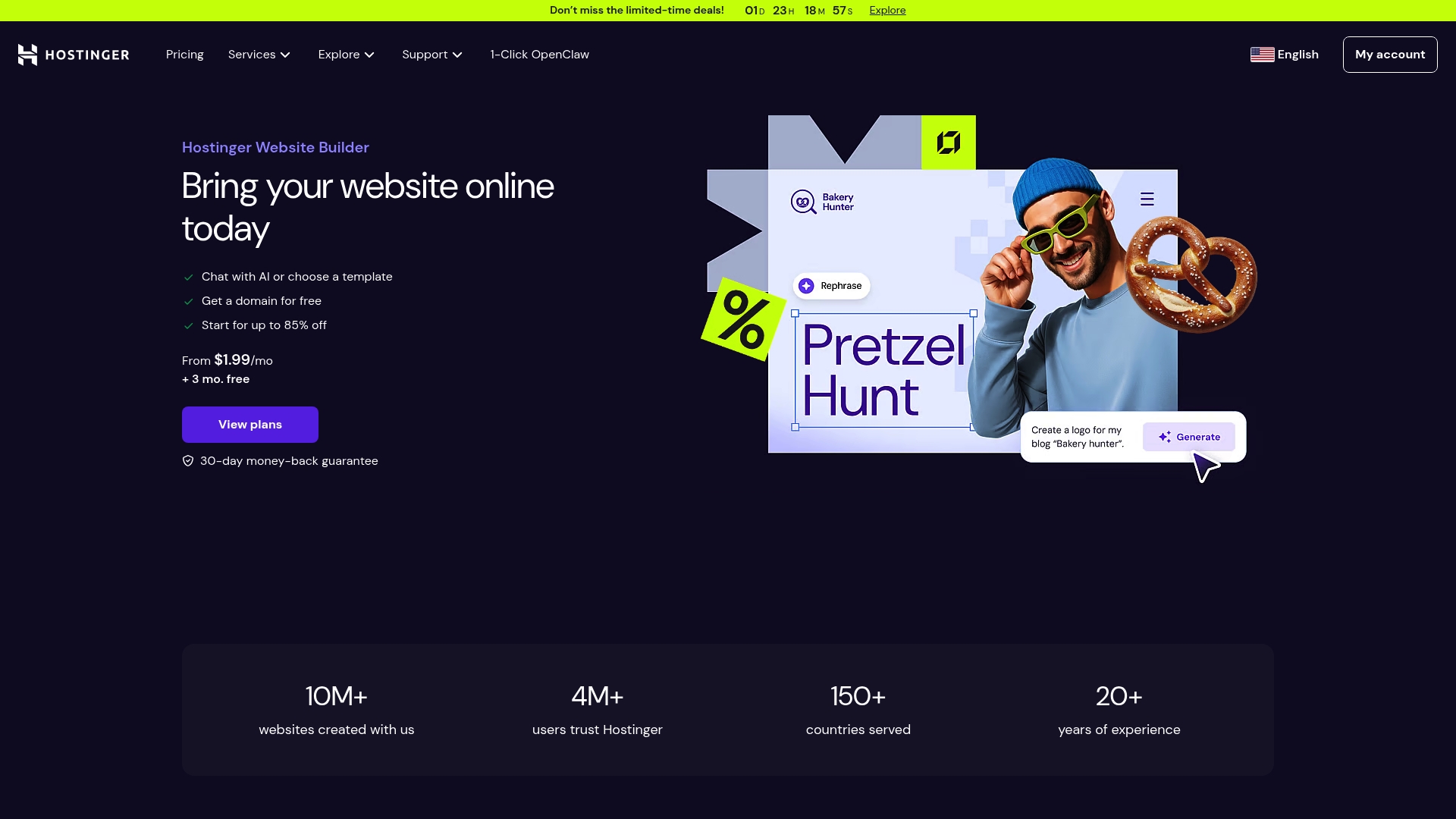
Hostinger Website Builder uses AI website creation to help you launch a professional site quickly with minimal technical skill. It pairs template-driven design with built-in marketing tools and affordable hosting to suit Melbourne small businesses on tight budgets.
Core Features
The platform focuses on speed and simplicity, offering designer-made templates, free domain options on plans, ecommerce tools, and search engine optimisation features that work out of the box.
- AI website creation and customisation that writes content and suggests layouts based on simple prompts.
- Wide selection of designer-made templates that are mobile ready and easy to edit.
- Ecommerce capabilities for selling digital and physical products with basic store management.
- Built-in marketing and optimisation tools for title tags, meta descriptions, and simple SEO guidance.
- Mobile editing and updates so you can change pages and products on the go.
Pros
- Easy to use with AI assistance and drag-and-drop editor which speeds setup for owners with limited time or technical skill.
- Affordable pricing with substantial discounts that makes professional sites accessible for sole traders and startups in Melbourne.
- Comprehensive features for website, ecommerce and marketing so you can launch a site and basic campaigns without extra tools.
- Global reach with multilanguage templates that help businesses serving diverse neighbourhoods or working with international clients.
- Reliable hosting services included which removes the separate task of finding and managing a host.
Cons
- Limited customisation options compared with advanced website development tools make complex layouts and bespoke functions hard to achieve.
- Some features require higher tier plans, which increases costs when you add payment processing or advanced ecommerce capabilities.
- Dependence on AI tools might limit creative control for users who prefer hand crafted content and finely tuned design decisions.
Who It's For
This builder suits beginners, small business owners and creatives who need a working website fast without hiring a developer. It works well for trades, consultants and local retailers in Melbourne who prioritise speed, cost control and easy updates.
Unique Value Proposition
Hostinger Website Builder combines AI assistance, templates and hosting in one package so you can move from idea to live site in hours rather than weeks. The value is speed, predictable costs and built-in marketing basics aligned to small business needs.
Real World Use Case
A Melbourne retailer uses Hostinger Website Builder to set up an online store, add AI generated product descriptions and launch a local campaign. The owner updates stock and pages from a phone between jobs and tracks enquiries from the site.
Pricing
Plans start at $1.99 per month during limited time offers with a 30 day money back guarantee. Paid plans are billed upfront and discounts apply for longer commitments; higher tiers add ecommerce and advanced marketing tools.
Website: https://zyro.com
Website Builders Comparison
Overview of website builder options with key features, benefits, downsides, and pricing to assist Melbourne small businesses in selecting the best fit for their needs.
| Service | Key Features | Pros | Cons | Pricing |
|---|---|---|---|---|
| Troov Marketing | Local SEO focus, fast websites, tailored web design for Melbourne SMEs | Expertise in Melbourne market, scalable websites, ongoing SEO support | Pricing requires inquiry | Tailored quotes based on business size |
| Business.com | Comparative reviews for website builders | Expert insights, user feedback, pricing breakdowns | Limited direct hands-on testing, affiliate relationships | Varies by selection |
| Wix | AI site builder, wide templates, integrated business tools | User-friendly editor, robust templates, reliable hosting | Features can be overwhelming, costs for advanced options | Free plan available; monthly plans starting low |
| Squarespace | E-commerce tools, AI builder, professional templates | Drag/drop interface, all-in-one platform, advanced marketing tools | Higher costs, limited flexibility for customisation | $16 per month for premium plans |
| Weebly | Drag/drop builder, eCommerce tools, Square integration | Free plan, Square payment integration, beginner-friendly | Reduced customisation options, requires upgrades for advanced features | Free plan available; paid plans start at $10/mo |
| WordPress.com | Managed hosting, customizable themes, backup/security features | Low cost startup, flexible plugins, WooCommerce integration | Requires upgrades for specific plugins and functionalities | From $2.75 per month |
| Shopify | Multi-channel selling, app-rich ecosystem, headless commerce options | Fast setup, scalable plans, extensive apps and developer resources | Rising costs with features, transaction fees without Shopify Payments | Basic plan starts at $29 per month |
| Hostinger Website Builder | AI-driven design, templates, mobile-friendly sites | Affordable, AI assistance, marketing integration | Limited advanced customisation | Plans start at $1.99 per month |
Find the Best Website Solution Tailored for Your Melbourne Small Business
Choosing the right website design platform can feel overwhelming with so many options focused on features, pricing, and ease of use. This article highlighted common challenges such as finding a solution that delivers local SEO support from day one and builds a scalable website that truly converts visitors into enquiries. Many Melbourne small business owners want more than just a template—they need a partner who understands local search and customer behaviour to help grow their online visibility.
At Troov Marketing, we specialise in crafting fast, modern websites that combine strong foundations with ongoing local SEO support. Unlike quick fixes, our websites are built to grow with your business and attract the right local enquiries from the start. If you want a website designed specifically for trades, professional services or local retail in Melbourne, explore how we can help you deliver measurable results. Visit Troov Marketing today to start building your local presence with confidence.
Frequently Asked Questions
What are the key features to consider when comparing small business website designs?
Look for features such as ease of use, mobile optimisation, SEO capabilities, and eCommerce integration. Evaluate how each platform supports your specific business needs and helps you achieve local visibility.
How can I assess the cost-effectiveness of different website design options?
Calculate the total costs, including setup and ongoing expenses, for each platform. A clear budget comparison can help you determine which option provides the best value for your business over time.
What kind of ongoing support should I expect from a website design service?
Choose a service that offers continuous support and updates as well as local SEO guidance. This ongoing assistance can help your site stay relevant and competitive without needing constant revisions.
How quickly can I expect to see results after launching my small business website?
Depending on the design and SEO strategies employed, you may start seeing enquiries within 30–60 days of launch. Focus on local search optimisation to enhance visibility in your community swiftly.
What should I do if I need more customisation than the website builders provide?
If you find a limited range of customisation options in your chosen platform, consider exploring higher-tier plans or alternative tools that allow for more flexibility. Ensure that your chosen option can accommodate your future growth and specific requirements.