

Many Melbourne trades and professional services businesses launch websites that look great but fail to attract local customers. The problem isn't the design; it's neglecting local SEO fundamentals and site speed from day one. Without an optimized Google Business Profile and a fast, mobile-first site, you're invisible to the exact people searching for your services in your area. This guide provides a clear, actionable roadmap to launch a website that converts local searches into real enquiries.
Table of Contents
- Introduction To Website Launch For Small Melbourne Businesses
- Prerequisites And Tools Needed Before Launch
- Step-By-Step Website Launch Process
- Local Seo And Google Business Profile Optimization At Launch
- Website Performance And Speed Optimization
- Common Mistakes And Troubleshooting
- Launch Timeline And Cost Expectations
- Measuring Success After Launch
- Launch Your Fast, Seo-Optimized Website With Troov Marketing
- Frequently Asked Questions
Key Takeaways
| Point | Details |
|---|---|
| Local SEO at launch | Optimizing Google Business Profile during website launch can increase local search visibility by up to 70%. |
| Mobile speed priority | Half of mobile users abandon sites that take over 3 seconds to load, making mobile-first design critical. |
| Step-by-step process | Following a structured launch workflow ensures faster, more effective local SEO results from day one. |
| Avoid common errors | Poor URL structure and skipping pre-launch testing can reduce local traffic by up to 50%. |
| Realistic planning | Typical Melbourne small business websites take 4 to 8 weeks and cost AUD 3,000 to 10,000 to launch properly. |
Introduction to Website Launch for Small Melbourne Businesses
Launching a website as a Melbourne tradie or professional service provider is more than choosing a template and hitting publish. You're competing in a local market where potential customers search for services near them. If your site doesn't show up in those searches, you lose to competitors who invested in local SEO and website design in Melbourne from the start.
Local SEO ensures your business appears when someone searches for plumbers in Richmond or accountants in St Kilda. Without it, your website is a brochure that nobody reads. Setting up and optimizing a Google Business Profile during launch can improve local search visibility by up to 70%, making it essential for trades and professional services targeting Melbourne customers.
Website speed directly impacts whether visitors stay or bounce. Google prioritizes fast sites in rankings, and users expect pages to load in under 3 seconds. A slow site frustrates potential customers and tanks your search rankings.
Here's what matters most at launch:
- Verify and optimize your Google Business Profile to dominate local search results
- Design mobile-first because most local searches happen on phones
- Ensure fast loading speeds to keep visitors engaged and satisfy Google's ranking factors
- Structure your site with clear, local keyword-rich URLs to help search engines understand your services
Prerequisites and Tools Needed Before Launch
Before you start building, gather the right tools and resources. Trying to launch without preparation leads to delays, higher costs, and a site that underperforms. Your choice of CMS matters. WordPress offers advanced SEO control but requires more technical skill. Wix simplifies the process but limits customization. Choose based on your comfort level and growth plans.
Keyword research is non-negotiable. You need to know exactly what terms Melbourne customers use when searching for your services. Tools like Google Keyword Planner or Ahrefs help identify local search terms with decent volume and low competition. Target phrases like "emergency plumber Fitzroy" or "conveyancing lawyer Carlton" rather than generic national terms.
Content and branding assets should be ready before design starts. This includes your logo, brand colors, service descriptions, and customer testimonials. Local messaging matters; speak directly to Melbourne customers about problems they face in this market.
Set up your Google Business Profile account early. Verification can take days, and you'll want it active when your site launches. This account syncs with your website and amplifies your local presence.
Technical readiness includes choosing hosting that supports speed optimizations. Shared hosting is cheap but slow. VPS or managed WordPress hosting ensures your site loads quickly even during traffic spikes. Check out essential website management tools to streamline your launch process.
| Tool Type | Purpose | Recommended Options |
|---|---|---|
| CMS | Site building and content management | WordPress, Wix, Squarespace |
| Keyword Research | Identify local search terms | Google Keyword Planner, Ahrefs, SEMrush |
| Hosting | Fast, reliable site performance | SiteGround, WP Engine, Kinsta |
| Design Assets | Branding and visual consistency | Canva, Adobe Suite, Figma |
| SEO Tools | Tracking and optimization | Google Analytics, Google Search Console |
Refer to the website launch checklist to ensure nothing gets missed during preparation.
Step-by-Step Website Launch Process
A structured launch process prevents costly mistakes and gets your site visible faster. Follow these steps in order to build a fast, SEO-optimized website that attracts Melbourne customers.
-
Define your website goals and target audience. Are you capturing enquiries, booking appointments, or building credibility? Identify exactly who you're serving in Melbourne and what problems your services solve for them.
-
Conduct local keyword research. Use tools to find terms Melbourne customers actually search. Focus on location-specific phrases and service combinations that match your offerings.
-
Choose your CMS based on needs. WordPress gives you full SEO control and scalability. Wix offers simplicity and speed for those less technical. Both work if set up correctly.
-
Create locally relevant content with clear calls to action. Write service pages that address Melbourne-specific needs. Include your service areas, local landmarks, and testimonials from local customers. Every page should guide visitors toward contacting you. Learn more about content creation with local focus.
-
Design for speed with mobile-first principles. Most local searches happen on mobile devices. Design for small screens first, then scale up. Optimize images, use efficient code, and test loading speeds relentlessly.
-
Set up and verify your Google Business Profile. Link it to your website and ensure all information matches exactly. This integration boosts local rankings and makes it easy for customers to find you.
-
Perform thorough pre-launch testing. Check functionality on different devices and browsers. Test contact forms, loading speeds, and navigation. Use Google's Mobile-Friendly Test and PageSpeed Insights to identify issues before launch.
-
Launch with initial local promotion and citation submissions. Submit your business to local directories like True Local and Yellow Pages. Share your new site on social media and email existing customers. Early signals help Google recognize your local relevance.
Pro Tip: Use staging environments to test changes without affecting your live site. Most quality hosting providers offer staging as standard, letting you perfect your site before visitors see it.
Follow the detailed website launch steps checklist to track progress and ensure nothing falls through the cracks. Use website management tools for small businesses to simplify ongoing updates after launch.
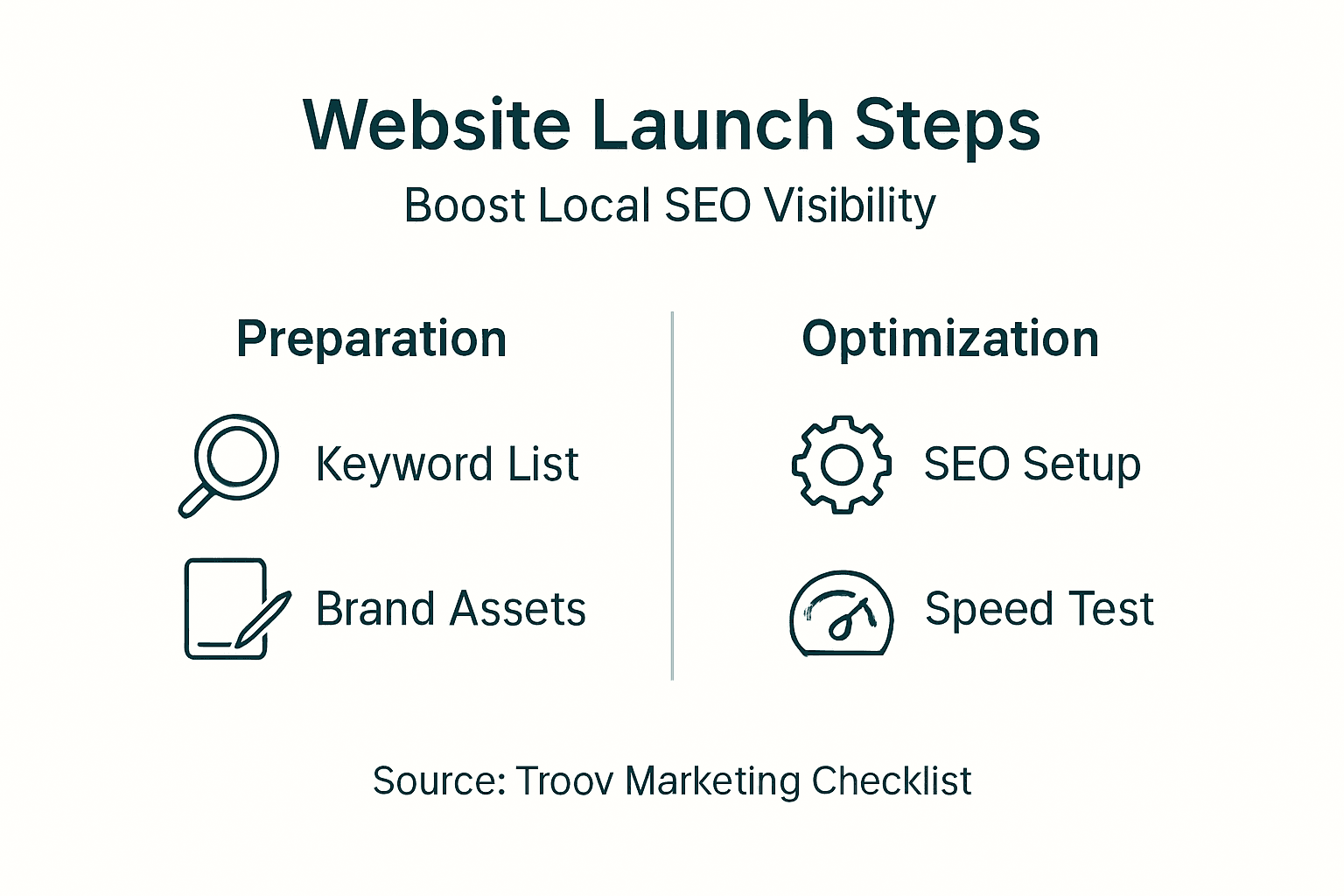
| Launch Phase | Key Actions | Timeline |
|---|---|---|
| Planning | Define goals, audience, keyword research | Week 1 |
| Content Creation | Write service pages, gather assets | Weeks 2-3 |
| Design & Build | CMS setup, design, speed optimization | Weeks 4-6 |
| Testing | Device testing, speed checks, bug fixes | Week 7 |
| Launch & Promote | Go live, submit citations, social promotion | Week 8 |
Local SEO and Google Business Profile Optimization at Launch
Local SEO isn't something you add later. Build it into your site from day one to maximize visibility when you launch. Setting up and optimizing a Google Business Profile during launch can improve local search visibility by up to 70%, making it your most powerful tool for attracting Melbourne customers.
Verify your Google Business Profile immediately. Add complete business information including services, hours, photos, and service areas. Link it directly to your website so Google sees them as connected. This connection reinforces your local authority and helps you appear in map results.
NAP consistency (Name, Address, Phone) is critical. Your business information must match exactly across your website, Google Business Profile, and all citations. Even small differences confuse search engines and hurt rankings. Use the same format everywhere.
Implement local schema markup on your website. This code helps search engines understand your business type, location, and services. It's invisible to visitors but powerful for SEO. Most WordPress SEO plugins make this simple.
Build citations with trusted local directories. Submit your business to industry-specific directories and Melbourne business listings. Quality matters more than quantity; focus on established directories that Google trusts.
Pro Tip: Add your service areas as dedicated pages on your website. If you serve Collingwood, Richmond, and Fitzroy, create separate pages for each area. This granular approach helps you rank for hyper-local searches.
Key local SEO elements to implement:
- Verify and fully optimize your Google Business Profile with photos, services, and accurate hours
- Ensure perfect NAP consistency across your website, Google Business, and all directory listings
- Add local schema markup to help search engines identify your business location and services
- Build citations in trusted local directories to reinforce your authority and local presence
- Create dedicated service area pages targeting specific Melbourne suburbs you serve
Learn more in our Google Business Profile optimization guide and explore local SEO tips for Melbourne businesses for ongoing improvements.
Website Performance and Speed Optimization
Speed isn't optional. Google ranks fast sites higher, and users abandon slow sites within seconds. For Melbourne trades and professional services, a slow site means lost leads to faster competitors. Aim for loading times under 3 seconds to keep visitors engaged and satisfy Google's ranking requirements.
Mobile-first design is essential. More than 60% of local searches happen on mobile devices. Design your site for small screens first, ensuring buttons are easy to tap, text is readable without zooming, and navigation is simple. Google prioritizes mobile performance in rankings, making this non-negotiable.
Optimize images aggressively. Large images are the biggest speed killers. Compress photos before uploading and use modern formats like WebP that load faster without quality loss. Tools like TinyPNG or ImageOptim automate compression.
Minify and defer CSS and JavaScript. These files control your site's appearance and functionality but can slow initial rendering. Minification removes unnecessary code, and deferring delays loading non-critical scripts until after the page displays. Most WordPress caching plugins handle this automatically.
Use caching and Content Delivery Networks (CDNs) to serve content faster. Caching stores static versions of your pages so they load instantly for repeat visitors. CDNs distribute your content across global servers, delivering it from the closest location to each visitor. For Melbourne users, this means faster load times and better experience.
Pro Tip: Enable lazy loading for images and videos. This technique loads media only when visitors scroll to it, dramatically improving initial page speed without sacrificing content quality.
Speed optimization checklist:
- Design mobile-first to meet user expectations and Google's ranking preferences
- Compress and optimize all images using modern formats like WebP
- Minify CSS and JavaScript files to reduce code bloat and improve rendering speed
- Implement caching to serve static content instantly to repeat visitors
- Use a CDN to deliver content faster to Melbourne users from nearby servers
Explore mobile-first web design tips for detailed guidance on creating fast, user-friendly mobile experiences.
Common Mistakes and Troubleshooting
Even experienced business owners make launch mistakes that cost visibility and leads. Knowing what to avoid saves time, money, and frustration. Common mistakes including neglecting mobile optimization and poor Google Business Profile setup cause up to 50% loss in local traffic, making pre-launch checks critical.
Neglecting mobile optimization is the biggest error. If your site doesn't work perfectly on phones, you're losing most potential customers before they even read your content. Test on real devices, not just desktop browser simulations.
Skipping Google Business Profile setup or linking it incorrectly leaves money on the table. This free tool is your direct line to local customers searching for your services. Set it up properly, verify it, and keep information current.
Poor pre-launch testing causes embarrassing bugs and functional issues that damage credibility. Broken contact forms, slow loading pages, and layout problems on certain devices drive visitors away immediately. Allocate time for thorough testing before announcing your launch.
Using generic or poorly structured URLs hurts SEO. URLs should be clear, include relevant keywords, and reflect your page content. "yoursite.com.au/services/emergency-plumber-melbourne" works better than "yoursite.com.au/page123" for both users and search engines.
"Most small business websites fail in the first 90 days because they skip the fundamentals. Local SEO and speed optimization aren't extras; they're the foundation everything else builds on."
Avoid these critical mistakes:
- Neglecting mobile optimization when most local searches happen on phones
- Launching without a properly set up and verified Google Business Profile
- Skipping comprehensive pre-launch testing across devices and browsers
- Using generic URLs instead of clear, keyword-rich page addresses
- Forgetting to set up analytics and tracking to measure performance after launch
Check our guide on common website launch mistakes and review local SEO mistakes leading to traffic loss to avoid these pitfalls.
Launch Timeline and Cost Expectations
Understanding realistic timelines and budgets prevents disappointment and scope creep. Most small business websites in Melbourne take 4 to 8 weeks to launch properly, depending on complexity and content readiness. Rushing leads to mistakes; dragging it out wastes money.
Budget expectations range from AUD 3,000 to 10,000 for a quality, SEO-optimized website. This includes design, development, content creation, and initial SEO setup. Cheaper options exist but often skip critical elements like speed optimization and local SEO that determine success.
Factors affecting timelines include your CMS choice, custom feature requirements, and how quickly you provide content. WordPress sites with custom features take longer but offer more flexibility. Wix sites launch faster but with fewer customization options. Content delays are the most common timeline killer; have everything ready before design starts.
Comparing CMS options helps set expectations:
| Factor | WordPress | Wix |
|---|---|---|
| Timeline | 6-8 weeks | 4-6 weeks |
| Cost Range | AUD 5,000-10,000 | AUD 3,000-6,000 |
| SEO Control | Extensive, full customization | Good, some limitations |
| Technical Skill Required | Moderate to high | Low, user-friendly |
| Scalability | Excellent, unlimited growth | Good for small to medium sites |
| Ongoing Costs | Hosting, plugins, maintenance | Monthly subscription fee |
Planning realistic schedules and budgeting upfront reduces stress and prevents rushed decisions. Allocate extra time for testing and refinement; launching a polished site beats rushing a buggy one.
Measuring Success After Launch
Launching your website is the beginning, not the end. Track specific metrics to verify your investment is paying off and identify areas needing improvement. Without measurement, you're guessing whether your site works.
Track local search rankings for your target Melbourne keywords. Use tools like Google Search Console to monitor which terms drive traffic and where you rank. Aim for first page results within 3 months for your primary keywords.
Monitor website loading speeds and bounce rates. Google PageSpeed Insights shows your speed score and suggests improvements. High bounce rates indicate visitors leave quickly, often due to slow loading or poor mobile experience.
Evaluate enquiry and conversion rates. A well-optimized site should generate at least 20% more enquiries than your previous solution within the first 3 months. Track form submissions, phone calls, and email enquiries to measure real business impact.
Use Google Analytics and Google Search Console to analyze visitor behaviour and site health. These free tools show where traffic comes from, which pages perform best, and technical issues affecting rankings. Review data weekly during the first month, then monthly afterward.
Adjust based on data collected during the first 4 weeks after launch. If certain pages have high bounce rates, improve content or speed. If specific keywords drive traffic but don't convert, refine calls to action or page messaging.
Key metrics to track:
- Local search rankings for target Melbourne keywords
- Website loading speeds and Core Web Vitals scores
- Bounce rates and average session duration
- Enquiry and conversion rates from website visitors
- Traffic sources showing whether local SEO efforts are working
Launch Your Fast, SEO-Optimized Website with Troov Marketing
Launching a website that actually attracts Melbourne customers requires expertise most small business owners don't have time to develop. Troov Marketing specializes in small business web design services that deliver fast, mobile-optimized sites built for local SEO from day one.
We handle comprehensive Google Business Profile optimization services and local SEO setup so you rank higher when Melbourne customers search for your services. Our process includes everything covered in this guide, plus ongoing support to keep your site performing as your business grows.
We provide practical tools and the website launch checklist to empower you to manage updates easily. Partner with us to avoid common launch pitfalls and achieve measurable results quickly, turning your website into a reliable source of local enquiries.
Frequently Asked Questions
What is the most critical step in launching a local SEO website?
Setting up and optimizing your Google Business Profile is the single most impactful step. It can improve your local search visibility by up to 70%, making it essential for trades and professional services targeting Melbourne customers. Without it, you're invisible in map results and local searches.
How long does it normally take to see results after launching?
You'll typically see initial traffic within 2 to 4 weeks after launch if your site is properly optimized. Significant ranking improvements and increased enquiries usually appear within 3 months. Local SEO is faster than national campaigns because you're competing in a smaller geographic area.
Can I launch a website myself or should I hire a professional?
You can launch a basic site yourself using platforms like Wix, but achieving strong local SEO and speed optimization requires expertise. Hiring a professional saves time, avoids costly mistakes, and ensures your site attracts customers from day one. DIY works if you have time to learn; professionals deliver faster, better results.
How do I keep my Google Business Profile info updated?
Log into your Google Business Profile dashboard regularly to update hours, services, and photos. Set calendar reminders to review information monthly. Changes sync automatically to Google Search and Maps. Consistent updates signal to Google that your business is active and trustworthy.
What are quick fixes if my website is slow after launch?
Start by compressing images and enabling caching through a plugin or hosting settings. Minify CSS and JavaScript files to reduce code bloat. If problems persist, upgrade to better hosting with faster servers. Use Google PageSpeed Insights to identify specific issues slowing your site.