

Accessible websites aren't just a legal checkbox. Sites compliant with accessibility guidelines see a 20% increase in overall visitor engagement and a 15% reduction in bounce rates. For Melbourne small businesses, this means more customers, better SEO rankings, and protection from legal risks. This guide unpacks Australian compliance requirements, debunks common myths, and provides practical steps to make your website work for everyone while driving measurable business growth.
Table of Contents
- Understanding Website Accessibility And Its Importance
- Australian Legal Requirements For Website Accessibility
- Core Accessibility Features And Wcag 2.1 Guidelines
- Common Misconceptions About Website Accessibility
- How Accessibility Enhances Local Seo And Business Growth
- Practical Steps And Tools For Accessibility Compliance
- Maintaining Accessibility And Planning For The Future
- Summary And Next Steps For Small Business Owners
- Enhance Your Website Accessibility With Troov Marketing
- Faq
Key Takeaways
| Point | Details |
|---|---|
| Legal Compliance Protects Your Business | Australian law requires accessible websites under the Disability Discrimination Act, avoiding penalties and litigation. |
| WCAG 2.1 Level AA Guides Implementation | Following established standards ensures your site meets legal requirements and user expectations. |
| Accessibility Boosts Local SEO | Better site structure and usability directly improve search rankings and customer engagement metrics. |
| Implementation Is Affordable | Strategic design and phased improvements make accessibility achievable for small business budgets. |
| Ongoing Audits Maintain Compliance | Regular testing and staff training ensure your website stays accessible as content and technology evolve. |
Understanding Website Accessibility and Its Importance
Website accessibility means designing and building sites that everyone can use, regardless of ability or disability. This includes people who are blind or have low vision, are deaf or hard of hearing, have motor impairments, or experience cognitive challenges. For Melbourne small businesses, accessibility isn't just about helping a minority. It improves the experience for all visitors, from elderly customers using larger text to mobile users navigating in bright sunlight.
Accessible websites attract a more diverse customer base. When you remove barriers, you open your business to approximately 20% of Australians living with disability, plus countless others who benefit from clear navigation, readable text, and logical site structure. This inclusivity translates directly to more enquiries, longer site visits, and higher conversion rates. Beyond moral and business benefits, Australian law mandates accessibility, making compliance a legal necessity rather than an optional upgrade.
The benefits extend to situations you might not consider disabilities at all. Someone with a broken arm struggles with mouse navigation. A parent holding a baby needs keyboard shortcuts. A worker in a noisy environment relies on captions. These temporary and situational impairments affect everyone at some point.
Pro Tip: Design for permanent disabilities and you'll automatically improve usability for temporary injuries and situational limitations. This broader lens helps you build websites that work better for everyone, not just a specific group.
Australian Legal Requirements for Website Accessibility
The Disability Discrimination Act (DDA) 1992 imposes obligations on businesses to provide accessible services, including websites. This federal law applies to all Australian businesses, including small operations in Melbourne. The Australian Human Rights Commission (AHRC) provides detailed guidance on meeting these obligations, emphasizing that digital services must be as accessible as physical premises.
Non-compliance can lead to penalties and legal risks for businesses. Complaints filed with the AHRC have resulted in businesses facing investigations, mandatory remediation, and reputational damage. For small businesses, these consequences can be severe, making proactive compliance far more cost effective than reactive fixes after a complaint.
The DDA doesn't specify exact technical standards, but AHRC guidance points to WCAG 2.1 Level AA as the practical benchmark. Courts and tribunals use these internationally recognized standards to assess compliance. Melbourne businesses should view WCAG 2.1 as the roadmap for meeting their legal obligations while creating better user experiences.
Starting with accessibility from the design phase costs significantly less than retrofitting an existing site. Working with a small business web design specialist who understands compliance requirements ensures you build on solid foundations. This approach prevents costly redesigns and protects your business from legal exposure as digital accessibility scrutiny increases across Australia.
Pro Tip: Document your accessibility efforts, including audits, fixes, and staff training. This paper trail demonstrates good faith compliance efforts if questions ever arise, providing valuable protection for your business.
Core Accessibility Features and WCAG 2.1 Guidelines
WCAG 2.1 Level AA is the benchmark standard including text contrast, keyboard navigation, alt text, and screen reader compatibility. This standard contains over 50 success criteria organized under four principles: perceivable, operable, understandable, and robust. For Melbourne small businesses, focusing on Level AA provides the right balance between comprehensive accessibility and practical implementation.
Key features every accessible website needs:
- Sufficient color contrast (at least 4.5:1 for normal text, 3:1 for large text) so text remains readable for people with low vision or color blindness
- Full keyboard navigation support allowing users to access all functions without a mouse
- Meaningful alt text for images that conveys the same information to screen reader users
- Clear heading structure that helps users navigate content logically
- Captions and transcripts for audio and video content
- Forms with properly labeled fields and clear error messages
The table below summarizes critical WCAG 2.1 criteria for small business websites:
| Criterion | Requirement | Business Benefit |
|---|---|---|
| Color Contrast | 4.5:1 minimum ratio | Improves readability for all users, especially outdoors |
| Keyboard Access | All functions operable via keyboard | Supports users with motor impairments and power users |
| Alt Text | Descriptive text for meaningful images | Helps SEO and screen reader users equally |
| Heading Structure | Logical H1, H2, H3 hierarchy | Aids navigation and search engine understanding |
| Form Labels | Clear, programmatically associated labels | Reduces errors and improves conversion rates |
These improvements help far more people than those with permanent disabilities. Elderly users benefit from larger, higher contrast text. Mobile users appreciate keyboard shortcuts when touch targets are small. International visitors use screen readers to translate content. Following a comprehensive web accessibility checklist ensures you cover all essential criteria without missing critical elements.
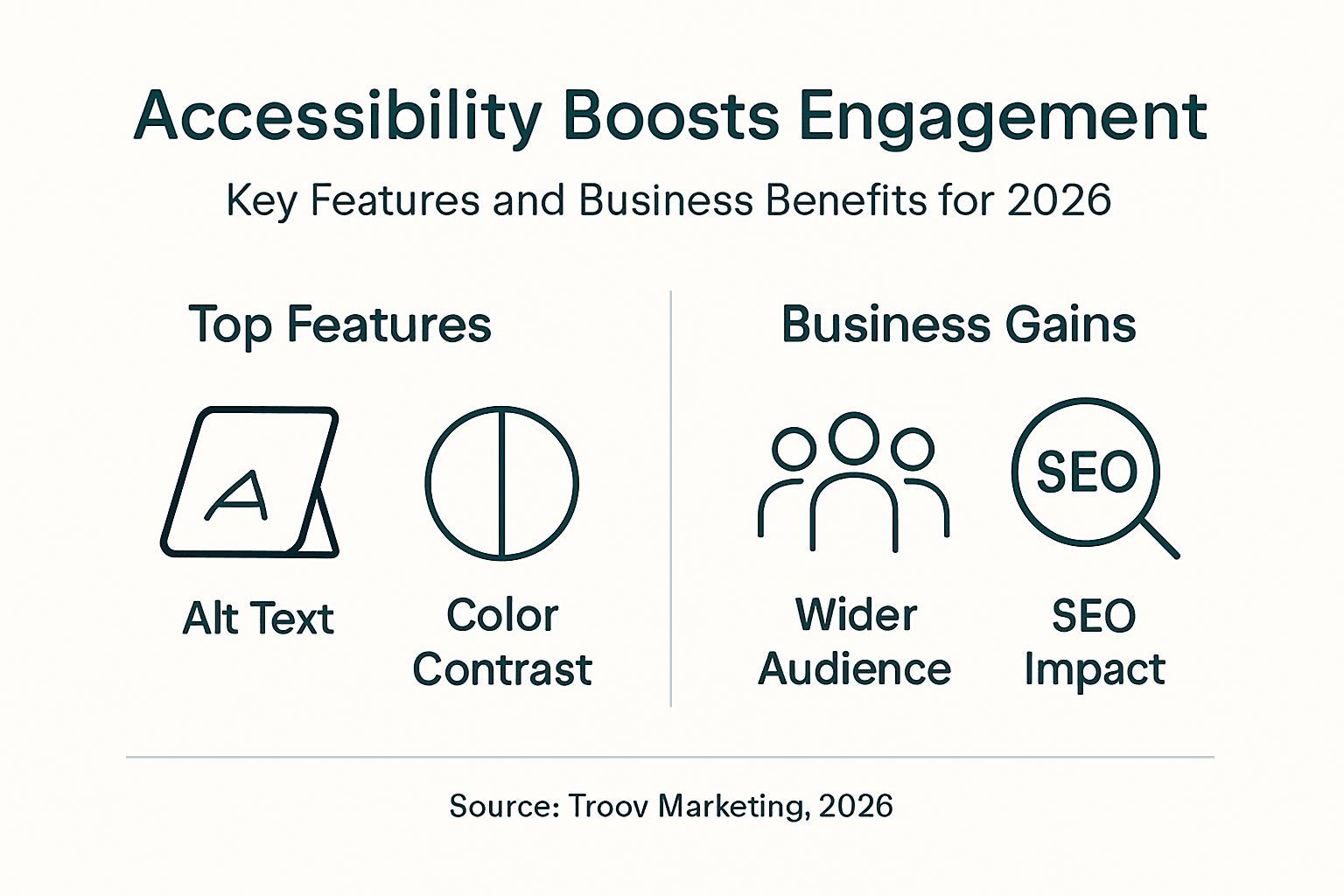
For detailed technical specifications, refer to the official WCAG 2.1 Level AA guidelines. These resources provide testable success criteria and techniques for implementation, helping you build compliance into your website systematically rather than guessing what works.
Common Misconceptions About Website Accessibility
Myth 1: Accessibility only matters for blind users. Reality: Accessibility benefits people with visual, auditory, motor, and cognitive disabilities, plus countless others in temporary or situational contexts. A parent with a sleeping baby needs one-handed navigation. An office worker in a bright space needs high contrast. A customer with a sprained wrist needs keyboard access.
Myth 2: Making websites accessible is prohibitively expensive for small businesses. Reality: Building accessibility into your initial design costs little more than building without it. The expense comes from retrofitting inaccessible sites, not from accessible design itself. Strategic implementation focusing on high impact areas delivers compliance without breaking budgets.
Myth 3: Automated testing tools guarantee full compliance. Reality: Automated tools catch obvious issues like missing alt text or poor contrast, but they miss context, logic, and user experience problems. Automated tools detect only 30-40% of accessibility issues, requiring manual audits for comprehensive compliance. You need human judgment to assess whether alt text is actually meaningful or if navigation makes logical sense.
Myth 4: Accessible websites look boring or outdated. Reality: Modern accessible design is visually appealing and often more elegant than inaccessible alternatives. Clear layouts, readable typography, and thoughtful color choices improve aesthetics while meeting accessibility standards. Many award-winning websites prioritize accessibility without sacrificing visual impact.
Myth 5: Accessibility is a one-time project. Reality: Accessibility requires ongoing attention as you add content, update features, and adopt new technologies. Regular audits and staff training maintain compliance over time, preventing regression as your website evolves.
Understanding these realities helps you approach accessibility as a normal part of professional web development rather than an overwhelming burden. The barriers are lower than most Melbourne business owners assume, especially when you work with professionals who treat accessibility as standard practice.
How Accessibility Enhances Local SEO and Business Growth
Accessibility improvements overlap significantly with SEO best practices. When you add descriptive alt text for screen readers, you're also providing context that helps Google understand your images. When you create clear heading hierarchies for keyboard navigation, you're building the semantic structure that search engines use to rank content. This natural alignment makes accessibility a powerful SEO lever for Melbourne businesses competing in local search results.

The business impact shows up clearly in measurable metrics:
| Metric | Before Accessibility | After Accessibility | Improvement |
|---|---|---|---|
| Visitor Engagement | Baseline | +20% | More time on site, more pages visited |
| Bounce Rate | Baseline | -15% | Users find what they need and stay longer |
| Mobile Usability Score | 65/100 | 92/100 | Better mobile experience drives conversions |
| Local Search Visibility | Page 3 | Page 1 | Improved structure boosts rankings |
Key SEO benefits from accessibility improvements:
- Better semantic markup helps search engines understand your content hierarchy and topic relationships
- Improved user experience metrics (time on site, bounce rate, pages per visit) signal quality to Google
- Clearer site structure with logical navigation aids both users and search engine crawlers | Mobile optimization overlaps with accessibility, improving rankings in mobile-first indexing
- Video captions and transcripts create additional indexable text content
- Faster load times from optimized images and clean code improve Core Web Vitals scores
A Melbourne accounting firm implemented accessibility improvements as part of their website design and local SEO strategy. Within three months, they saw a 35% increase in organic traffic from local searches and a 28% improvement in conversion rates. The combination of better rankings and improved user experience created compound benefits that single-tactic approaches couldn't match.
Combining accessibility with small business SEO creates a foundation for sustainable growth. You're not choosing between compliance and performance. You're building a website that serves users better, ranks higher, and converts more effectively. This integrated approach delivers better ROI than treating accessibility and SEO as separate initiatives.
Pro Tip: When writing content, use clear call to action examples that work for all users. Descriptive button text like "Download Free Guide" beats vague phrases like "Click Here" for both accessibility and conversion optimization.
Practical Steps and Tools for Accessibility Compliance
Follow this systematic approach to achieve and maintain accessibility compliance:
-
Conduct an initial accessibility audit using automated tools to identify obvious issues like missing alt text, poor color contrast, and structural problems. Tools like WAVE, Axe, or Lighthouse provide quick scans that highlight technical violations.
-
Perform manual testing to catch issues automated tools miss. Navigate your entire site using only a keyboard. Use a screen reader to experience how content sounds. Test forms with various input methods. This human evaluation reveals usability problems that algorithms can't detect.
-
Prioritize fixes based on impact and effort. Start with high impact, low effort improvements like adding alt text and fixing color contrast. Then tackle structural issues like heading hierarchy and keyboard navigation. Finally address complex features requiring more development time.
-
Implement WCAG 2.1 Level AA fixes systematically, working through each section of your site. Document what you fix and why, creating a record of your compliance efforts.
-
Test fixes with real users when possible, including people who rely on assistive technologies. Their feedback reveals whether your technical compliance translates to actual usability.
-
Train staff on accessibility principles for ongoing content updates. Writers need to understand alt text. Designers must know contrast requirements. Anyone publishing content should follow accessibility guidelines.
-
Schedule regular accessibility audits (quarterly or after major updates) to prevent regression. Accessibility isn't a one-time achievement but an ongoing commitment.
Automated tools work well as a first pass and for ongoing monitoring. They catch technical violations quickly and inexpensively. However, remember that these tools miss most issues. Budget for professional manual audits at least annually to ensure comprehensive compliance.
For Melbourne small businesses balancing budget constraints with compliance needs, focus first on the most common and impactful issues: alt text, color contrast, keyboard navigation, and form labels. These foundational improvements catch the majority of violations while building good practices into your workflow.
Pro Tip: Create an accessibility checklist tailored to your business needs and content types. This standardized process ensures consistency as different team members create and update content, maintaining compliance without requiring accessibility expertise for every decision.
Maintaining Accessibility and Planning for the Future
Accessibility compliance isn't a destination but a continuous journey. Regular audits identify new issues introduced during content updates, feature additions, or technology changes. Schedule these reviews quarterly or after any significant website changes to catch problems before they accumulate.
Staff training ensures everyone contributing to your website understands their accessibility responsibilities:
- Content writers learn to write descriptive alt text and use proper heading structures
- Designers understand color contrast requirements and focus indicators
- Developers follow semantic HTML practices and test keyboard navigation
- Managers prioritize accessibility in project planning and vendor selection
This distributed knowledge prevents accessibility from becoming one person's responsibility. When the entire team shares ownership, compliance becomes sustainable and resilient to staff changes.
Monitor evolving standards and legislation. WCAG 2.2 adds new success criteria addressing mobile accessibility and cognitive disabilities. European accessibility regulations influence Australian practices. Staying current means your website remains compliant as requirements evolve rather than falling behind and requiring emergency updates.
Sustainable practices for ongoing accessibility:
- Include accessibility testing in your regular QA process before publishing changes
- Maintain documentation of decisions, audits, and remediation efforts
- Budget for annual professional accessibility audits alongside other website maintenance
- Subscribe to accessibility newsletters and follow Australian government updates on digital inclusion
- Build relationships with users who have disabilities to get ongoing feedback
- Choose plugins, themes, and third-party tools that prioritize accessibility from vendors committed to compliance
Forward planning protects your accessibility investment. When evaluating new technologies or features, assess accessibility implications before implementation. A flashy new widget that breaks keyboard navigation costs more to fix later than choosing an accessible alternative initially.
Accessibility aligns with broader digital trends toward inclusive design, mobile-first development, and user-centered experiences. By treating accessibility as fundamental rather than optional, you position your Melbourne business to adapt smoothly as standards evolve and customer expectations rise.
Summary and Next Steps for Small Business Owners
Website accessibility delivers three critical benefits for Melbourne small businesses: legal compliance protecting you from DDA violations, improved user experience driving engagement and conversions, and stronger local SEO boosting your visibility in search results. These advantages compound over time as accessible websites attract more diverse customers and perform better across all metrics.
Immediate steps to start your accessibility journey:
- Run an automated accessibility audit on your current website to establish a baseline
- Fix high impact issues like missing alt text and color contrast failures
- Review your website against a comprehensive website accessibility checklist
- Plan manual testing to catch issues automated tools miss
- Train staff on basic accessibility principles for content creation
- Schedule regular audits to maintain compliance as your site evolves
Helpful resources for Melbourne businesses:
- Australian Human Rights Commission guidance on digital accessibility requirements
- WCAG 2.1 quick reference for technical implementation details
- Free automated testing tools like WAVE, Axe, and Lighthouse for initial scans
- Local small business web designer in Melbourne specialists who build accessibility into every project
- Professional accessibility auditors for comprehensive compliance verification
Accessibility isn't a barrier to business growth. It's a catalyst. By making your website work for everyone, you expand your potential customer base, improve your search rankings, and protect your business from legal risks. The initial investment pays dividends through increased engagement, better conversions, and sustainable competitive advantage in Melbourne's digital marketplace.
Start today with quick wins that deliver immediate value. Then build accessibility into your ongoing website strategy, ensuring every update maintains and improves compliance. Your website becomes stronger, your business reaches more customers, and you contribute to a more inclusive digital environment for all Australians.
Enhance Your Website Accessibility with Troov Marketing
Troov Marketing specializes in building accessible, SEO-friendly websites tailored for Melbourne small businesses. We integrate compliance from the first design mockup, ensuring your site meets WCAG 2.1 standards without sacrificing aesthetics or functionality. Our small business web design services include accessibility auditing, implementation, and ongoing support to maintain compliance as your business grows.
Use our comprehensive website accessibility checklist to identify quick improvements you can make today. For businesses needing deeper support, our website management tools help you maintain accessibility alongside security, performance, and content updates. We focus on practical solutions that deliver measurable results, combining legal compliance with business growth through better user experience and stronger local SEO.
Contact us for a personalized consultation on making your website accessible, compliant, and optimized for Melbourne customers. Together, we'll build digital foundations that strengthen your business for years to come.
FAQ
What is website accessibility and why is it important for my Melbourne business?
Website accessibility means designing your site so everyone can use it, including people with disabilities affecting vision, hearing, motor skills, or cognition. It's important because Australian law requires it under the Disability Discrimination Act, and accessible sites attract more customers while ranking better in local search results.
How can I test my website for accessibility issues effectively?
Start with automated testing tools like WAVE or Axe to identify technical violations quickly. Follow up with manual testing using keyboard navigation and screen readers, since automated tools only catch 30-40% of issues. Consider hiring professionals for comprehensive audits annually.
Will improving website accessibility really help my local SEO in Melbourne?
Yes, accessibility improvements directly boost SEO through better semantic markup, improved user experience metrics, and clearer site structure. Melbourne businesses implementing accessibility see measurable gains in search rankings, engagement rates, and conversion performance because accessibility and SEO share many foundational principles.
Is website accessibility expensive or complex for small businesses?
Accessibility costs less when built into initial design rather than retrofitted later. Focus on high impact improvements like alt text, color contrast, keyboard navigation, and form labels first. Strategic implementation using proven standards makes accessibility achievable within typical small business budgets without overwhelming complexity.