

Every accountant wants a website that looks sharp and works well. The right tools make building a new site easy even for those who are not tech experts. With so many website builders available it can be hard to pick the one that delivers the best results for your practice. Some focus on speed and simplicity while others let you add custom touches or manage appointments. A closer look at the top choices reveals some surprising strengths that could make your workday easier and help you stand out from the crowd.
Table of Contents
At a Glance
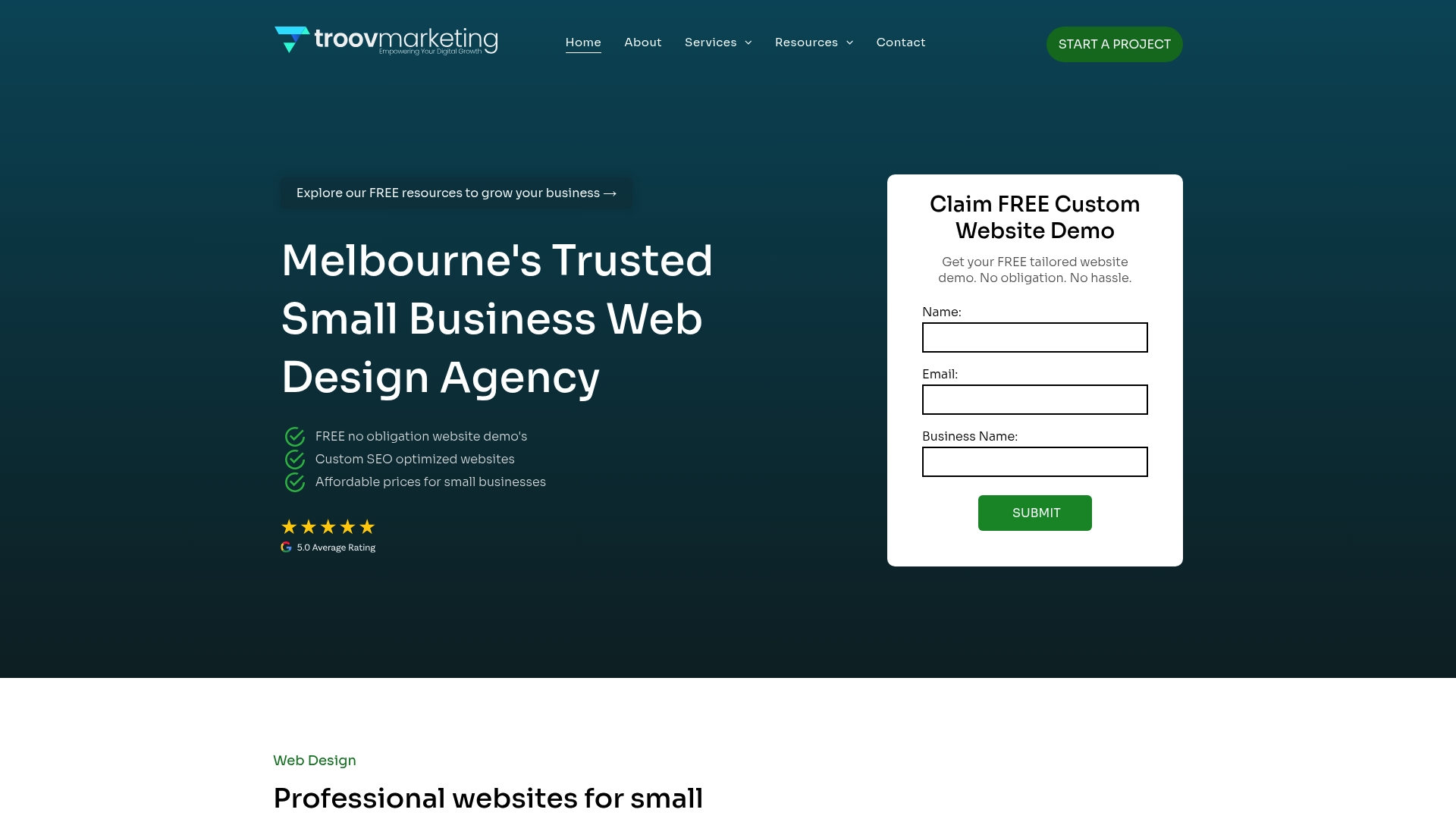
Troov Marketing is our clear top pick for accountants who need a practical, search friendly website that converts enquiries into clients. Based in Melbourne, the agency builds fast, modern websites that are easy to manage and tailored to local businesses.
Core Features
Troov Marketing offers custom website design and build focused on small and local businesses. Core capabilities include a clean content management setup, performance optimisations for quick page loads, and a site structure built to support local SEO from day one.
- Google Business Profile optimisation to lift local visibility and map pack placement.
- Managed on a simple CMS so you can update fees, services and team bios without a developer.
- Technical foundations aimed at speed and mobile performance to reduce bounce rates.
Pros
- Local focus: The team specialises in small and local businesses, so project decisions match the way Australian accounting practices operate.
- SEO minded builds: Sites are structured for local search, which helps prospects in your suburb find you faster on Google.
- Clear conversion intent: Designs emphasise enquiry actions so visitors become phone calls or bookings rather than just page views.
- Ongoing local support: Troov offers follow up support for Google Business Profile and local SEO rather than a one off handover.
Who It's For
This solution suits sole practitioners, small accounting firms and bookkeeping practices across Melbourne and greater Victoria that want a professional online presence without complex maintenance. It works for firms that need straightforward editing, better local visibility and a reliable partner for ongoing SEO support.
Unique Value Proposition
Troov Marketing combines specialist web design with deliberate local search expertise. The agency does more than build pages. They create websites with a search friendly structure, quick load times and conversion led design that align with how clients search for accountants in a suburb or postcode. For buyers who value long term growth and predictable local enquiries, this approach delivers dependable results rather than short term fixes.
Real World Use Case
A two partner accounting firm in Brunswick replaces an ageing site with a Troov designed site. After launch the site loads faster on mobiles, the Google Business Profile is optimised, and the firm sees an increase in phone enquiries from nearby suburbs within eight weeks. The partners manage service pages themselves and call Troov for quarterly local SEO checks.
Pricing
No information available due to access restriction. Contact Troov Marketing directly for current packages and a tailored quote.
Website: https://troov-marketing.com
Wix
At a Glance
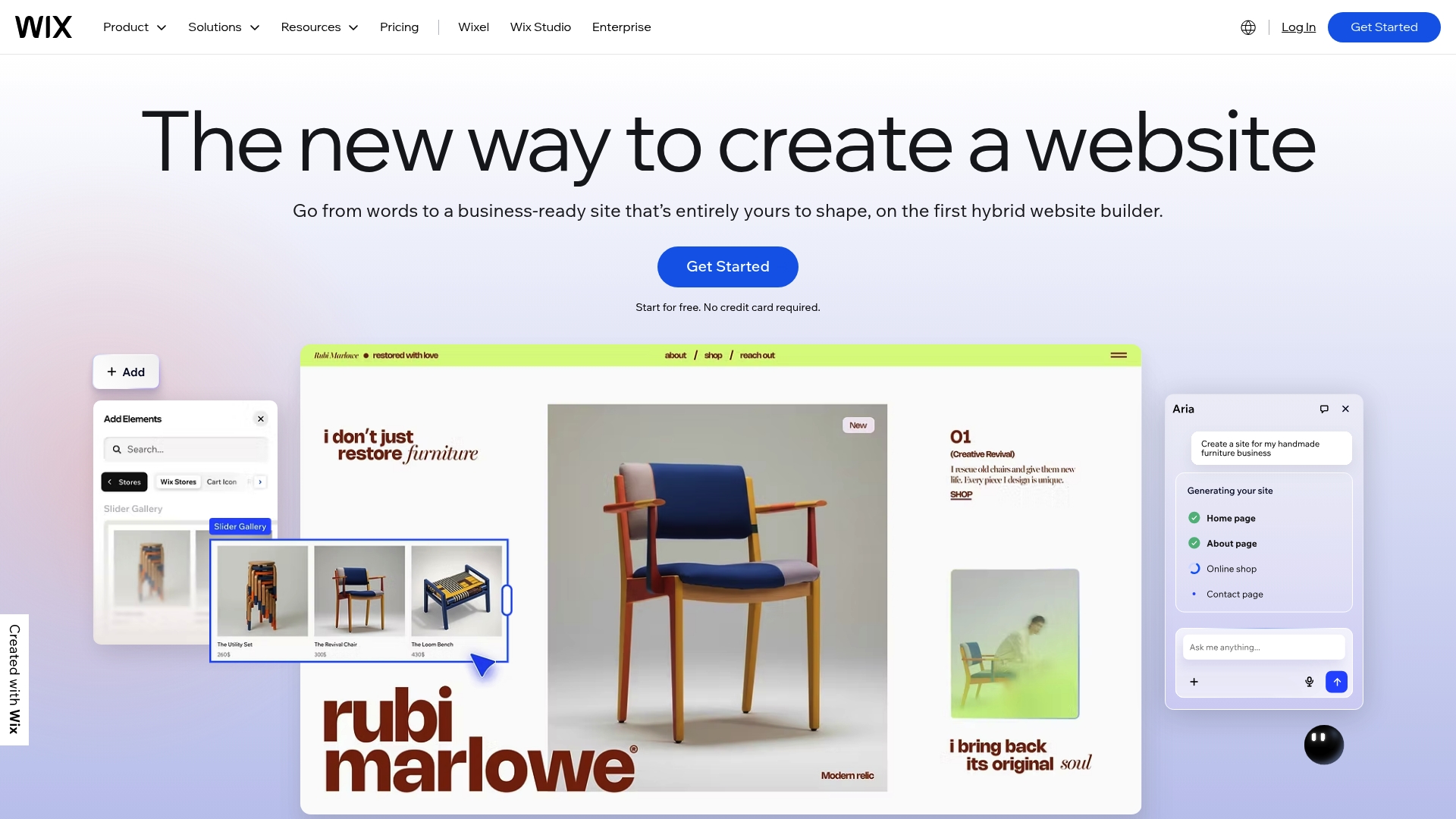
Wix is a flexible website builder that combines design tools and business solutions into a single platform for accountants and practices. It offers quick site creation with AI website builder features while also providing hosting, security and marketing tools.
Core Features
Wix provides a wide toolkit including 900+ customisable templates, eCommerce functionality, scheduling and booking management, blog and portfolio options, domain registration, enterprise-grade security, CRM and analytics, plus a mobile app for on-the-go site management.
Pros
-
User-friendly drag-and-drop interface: The visual editor makes page building fast and approachable for users with limited technical experience.
-
Extensive template options: A broad library helps you find templates that suit accounting, bookkeeping and professional services without starting from scratch.
-
All-in-one platform: Hosting, domain registration and security are bundled, reducing the need to manage separate providers.
-
Advanced AI tools: AI-assisted site creation and content generation speed up the build process and reduce time to launch.
-
Strong marketing and SEO features: Built-in SEO tools and marketing capabilities help you manage local visibility and client outreach from the same dashboard.
Cons
-
Pricing can be higher for advanced plans, which may be a factor for small accounting practices watching monthly costs.
-
Some limitations exist for very custom or complex designs, so highly bespoke layouts may require workarounds or custom code.
-
There is a learning curve for advanced features, meaning you may spend time learning the platform before using its full capabilities.
Who It's For
Wix suits accountants and small practice owners who want professional, presentable websites without hiring a developer. It fits users who value speed, design flexibility and integrated marketing tools rather than full custom development.
Unique Value Proposition
Wix packages design, hosting and business tools together so practices can build, secure and promote a site from one dashboard. The blend of AI-assisted setup and marketing features lets you get visible quickly while retaining room to scale.
Real World Use Case
A small boutique accounting practice uses Wix to present service pages, schedule consultations, publish tax guides and run targeted email campaigns. The practice accepts online payments, manages bookings and tracks visitor behaviour from one dashboard.
Pricing
Wix offers multiple plans from a free tier with Wix branding to premium plans that range from $17 to $159 per month depending on features and usage. Choose a plan based on required eCommerce, storage and marketing capabilities.
Website: https://www.wix.com
Squarespace

At a Glance
Squarespace is an all in one website platform that prioritises design and simplicity for busy professionals. For accountants it offers a clean way to present services, publish guidance and use AI website builder tools to get online fast.
Core Features
Squarespace combines professionally designed templates, built in e-commerce and marketing tools to manage a practice web presence from a single dashboard. The platform also includes business features such as invoicing, scheduling and domain management together with AI content generation for faster copy and layout tweaks.
Pros
-
User friendly builder: The drag and drop interface and AI guided setup reduce design time and let you launch a site without hiring a developer.
-
Strong template selection: Professionally crafted templates create a polished first impression that suits a small accounting firm or sole practitioner.
-
Integrated business tools: Built in invoicing, scheduling and domain management minimise the number of external subscriptions you manage.
-
Marketing features included: SEO controls and email campaign tools let you promote tax season services and client updates from the same platform.
-
Scalable for growth: Plans and features scale from a solo practitioner to a larger practice that needs more commerce and marketing functionality.
Cons
-
Some advanced customisation requires technical knowledge or third party add ons which can add complexity for practices that want a unique design.
-
Pricing sits above the most basic builders when you add domains and premium services which can stretch a small practice budget.
-
Customisation options are narrower than a fully coded platform so highly bespoke features will be limited without developer input.
Who It's For
Squarespace suits accountants who value visual clarity and want a fast way to publish service pages, fee schedules and thought leadership. It fits sole practitioners and small firms that prefer an all in one solution rather than piecing together multiple tools.
Unique Value Proposition
Squarespace delivers a design first approach with integrated business and marketing tools so you maintain a consistent client facing presence. That integration reduces administrative overhead and keeps content, bookings and invoicing under one roof.
Real World Use Case
A Melbourne accountant builds a practice website using a template, enables scheduling for client consultations and adds invoicing to accept payments. The accountant sends quarterly email newsletters from the same dashboard and uses AI content tools to draft tax time guidance quickly.
Pricing
Squarespace subscription plans start at $16 per month after a free trial and additional costs apply for domain registration and premium services. Choose a plan based on required commerce and marketing features.
Website: https://www.squarespace.com
Webflow
At a Glance
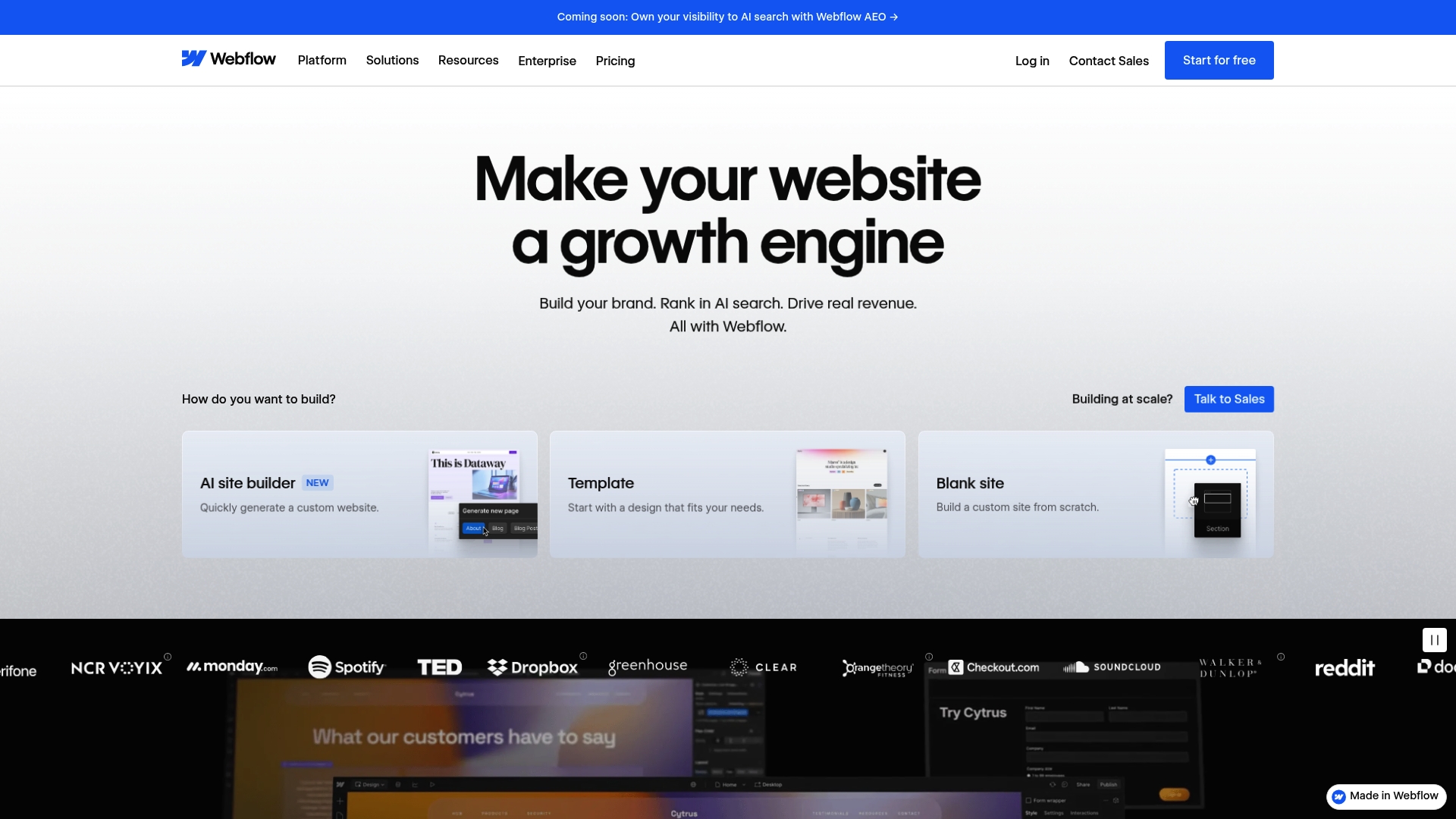
Webflow is a powerful platform that combines visual design, content management, hosting, SEO tools and AI features into one workflow. For accounting firms that want pixel control and marketing capabilities, it offers high flexibility while requiring some technical fluency.
Core Features
Webflow lets you design directly in the browser and build reusable components and design systems that scale across pages. It pairs a visual CMS with hosting, SEO and AI powered optimisation tools so content, performance and search visibility live in one place for teams and clients.
Pros
- User friendly visual design: The interface lets you lay out pages visually without writing HTML, which speeds up design iterations for client proposals.
- Comprehensive marketing and SEO tools: Built in SEO features and analytics help you manage visibility and measure campaign impact from the same dashboard.
- Strong collaboration features: Client handovers and team collaboration are supported with role controls and content editing workflows for accounting teams and agencies.
- Built in hosting and security: Hosting comes bundled with a focus on uptime and security so you avoid separate infrastructure accounts for client sites.
- AI integrated content creation: AI powered copy and page generation can accelerate landing page launches and reduce time spent on drafting boilerplate content.
Cons
- Pricing complexity can be confusing: Multiple plans and add ons make comparing costs for a practice or multi client setup harder than simpler builders.
- Advanced features need technical skill: Some of the platform’s more powerful design and customisation tools require developer knowledge to use effectively.
- Limited for highly bespoke systems: If you need deeply custom backend integrations or unusual interactive tools, Webflow’s visual constraints can be restrictive.
Who It's For
Webflow suits digital teams, marketing professionals, designers and agencies that manage multiple client sites and value design precision. Accounting firms with in house marketing or agencies that serve professional services will get the most from its visual CMS and collaboration features.
Unique Value Proposition
Webflow’s strength is combining design precision with marketing and CMS capabilities in a single platform. That blend lets you produce high quality, search friendly sites quickly while keeping content workflows and hosting under one roof.
Real World Use Case
A digital marketing agency builds client websites for a group of accounting practices, using Webflow to prototype pages, manage recurring content updates in the CMS and apply AI driven copy to landing pages. The result is faster deployment and clearer content ownership for clients.
Pricing
Webflow offers a free tier for basic usage and paid tiers for advanced features and enterprise solutions. Pricing varies by plan and available add ons so consult the pricing page for current tiers and extras.
Website: https://webflow.com
WordPress.com
At a Glance
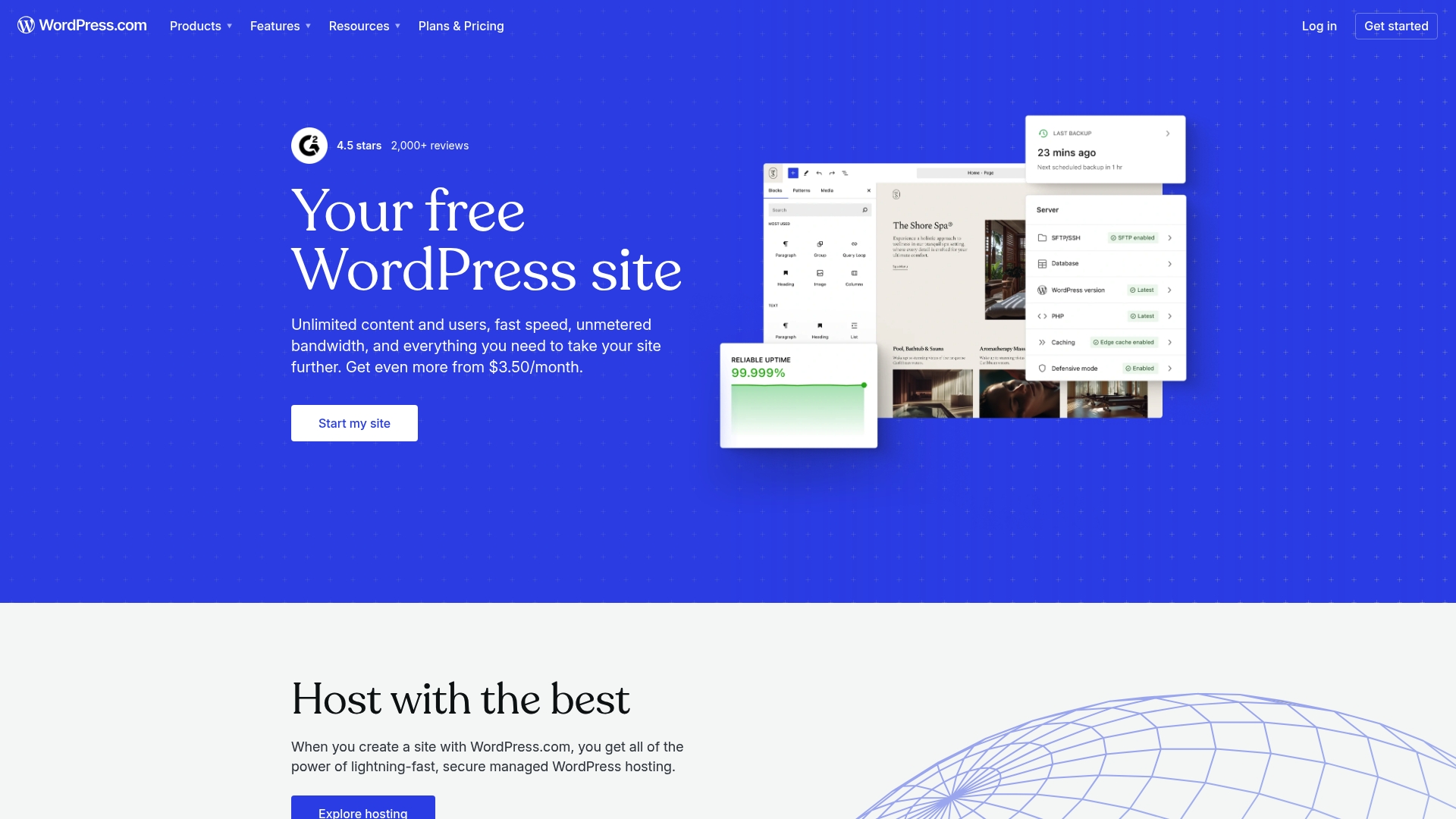
WordPress.com delivers managed WordPress hosting with a range of plans that suit individuals and small businesses wanting a reliable, low maintenance website. It mixes ease of use with options for deeper customisation when you choose a paid plan.
Core Features
WordPress.com provides a hosted environment with theme and plugin options plus marketing and ecommerce tools to grow an online presence without managing servers yourself.
- Managed WordPress hosting that handles updates and security for you
- Customisable themes and patterns to control visual design
- Plugins support available on paid plans for added functionality
- Built in SEO and analytics tools to monitor performance
- Ecommerce solutions through WooCommerce integration for online stores
Pros
- Easy to use for beginners. The editor and onboarding reduce setup time so accountants can publish basic pages and blogs quickly.
- Variety of plans. Multiple tiers let you start on a low cost plan and upgrade as client needs grow.
- Reliable security and performance. Hosting, backups, and platform updates are managed for you which reduces technical overhead.
- Extensive community support. Documentation and forums provide solutions when you need help troubleshooting or learning new features.
- Integrated marketing tools. Built in analytics and SEO features help you track traffic and refine content.
Cons
- Higher tier plans can be costly. Advanced features and ecommerce require paid plans that add to ongoing expenses.
- Limited plugin support on basic plans. You will need to upgrade before you can install many third party tools or specialised plugins.
- Less control over hosting environment. Compared with self hosted WordPress you have fewer server level options and custom server configuration.
- Some features require additional paid plans. Useful tools such as commerce and advanced analytics are not available on the free tier.
Who It's For
Accountants and small accounting firms who want a manageable website without handling server maintenance will find WordPress.com a strong fit. It suits professionals who need a clean site, a blog to share tax tips, and the option to sell services or digital products.
Unique Value Proposition
WordPress.com combines the familiarity of WordPress with managed hosting so you avoid technical maintenance while retaining access to themes and, on the right plan, plugins. That balance helps offices focus on client services rather than platform upkeep.
Real World Use Case
A small accounting practice can use WordPress.com to publish a portfolio page, host a regular tax tips blog, and operate an appointments or invoice store with WooCommerce once they select an appropriate paid plan.
Pricing
Plans start with a free tier for basic sites and progress through paid options. Paid plans sit in a broad range that reflects features and usage levels and cover simple sites through to ecommerce enabled solutions.
Website: [https://wordpress.com]
Wolters Kluwer
At a Glance
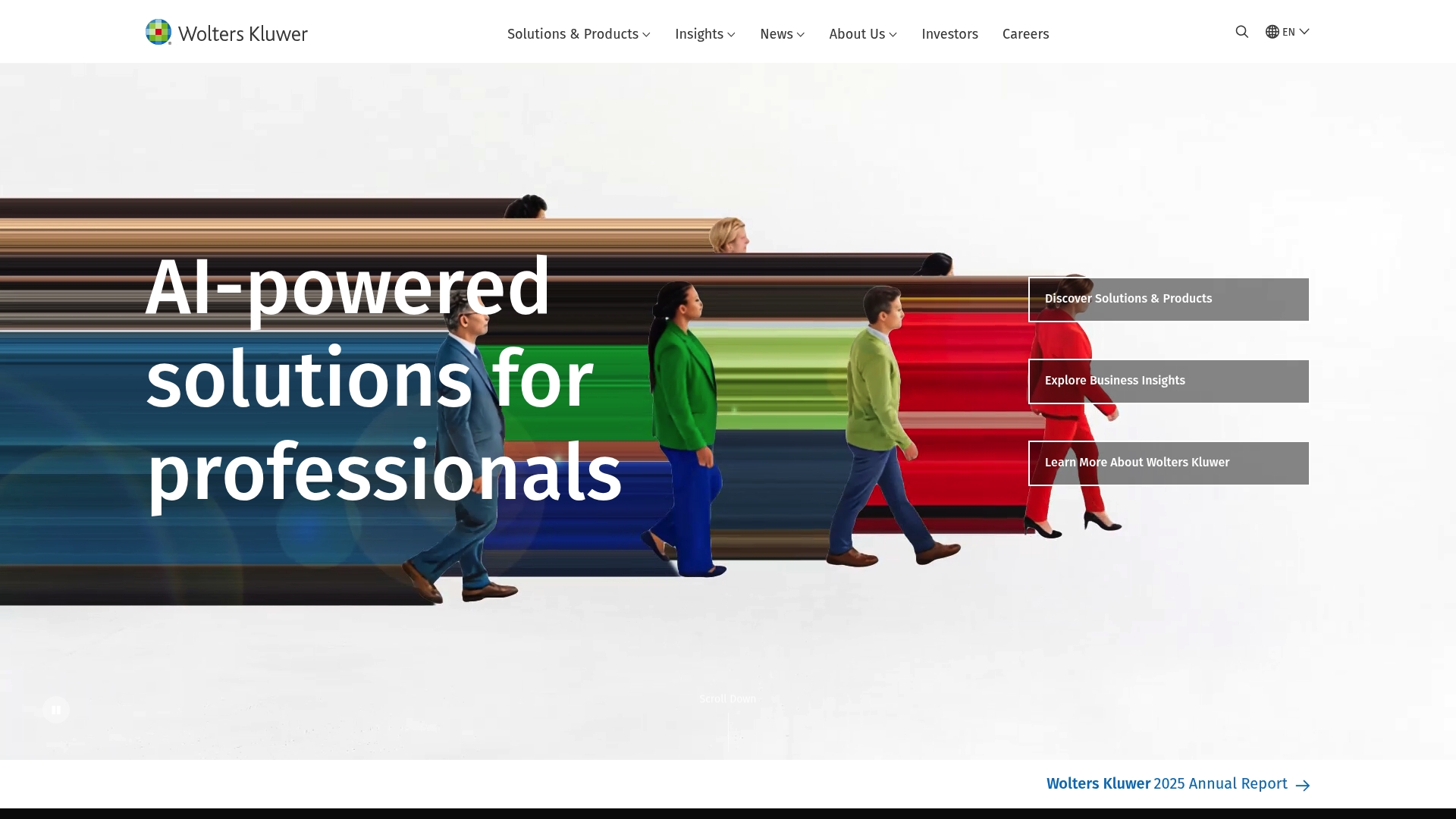
Wolters Kluwer offers AI-enabled tools and cloud solutions aimed at professionals across tax, accounting, legal and healthcare sectors. For accounting firms seeking research, compliance and training resources, it pairs deep industry content with Expert AI capabilities, though pricing is not specified.
Core Features
The platform provides AI-enabled solutions across tax and accounting, legal and healthcare, backed by a decade of AI investment and innovation. It also delivers cloud-based solutions for compliance, risk management and enterprise performance and bundles trusted research and professional training resources.
Pros
-
Wide range of industry-specific solutions gives accounting practices access to targeted tools and content for tax, compliance and advisory work.
-
Strong emphasis on responsible AI principles reassures firms that automation and insights are governed by ethical frameworks.
-
Global presence with localised services means materials and compliance guidance align with regional requirements and practice needs.
-
Innovative AI tools improve efficiency and decision making by automating routine research and surfacing relevant insights for complex queries.
-
Robust research and training resources support upskilling across teams and help practices adopt new workflows more quickly.
Cons
-
Pricing and subscription models are not specified in the provided content, making budget planning difficult for firms evaluating options.
-
The breadth of products risks complexity, which can make product selection and implementation challenging for smaller practices.
-
Navigation and the number of available options might overwhelm new users who prefer a simple, single-pane solution.
Who It's For
Wolters Kluwer suits professionals and organisations in tax, accounting, legal and compliance who need comprehensive, sector-specific software and authoritative research. It fits practices that value data driven decision support and that can commit time to integrate a feature rich platform.
Unique Value Proposition
The vendor combines a long history of domain research with advanced AI investment to offer a unified package of Expert AI, cloud services and professional training. That combination positions Wolters Kluwer as both an information provider and a technology partner for regulated professions.
Real World Use Case
The provider cites a healthcare example where a healthcare provider implemented AI driven clinical decision support to improve patient outcomes and reduce errors. That same approach maps to tax and accounting where AI can surface regulatory changes and speed complex research.
Pricing
Pricing: Not specified in the provided content.
Website: https://www.wolterskluwer.com
Website and Marketing Tools Comparison
The following table provides a concise comparison of several website building and marketing platforms specifically designed to support accountant professionals and small practices. Use this comparison to identify the tool that best fits your firm's needs based on features, usability, and pricing.
| Platform | Unique Features | Pros | Cons | Pricing |
|---|---|---|---|---|
| Troov Marketing | Custom website design with local SEO optimization | Specializes in small/local firms; SEO-focused; conversion-driven | Pricing details unavailable | Contact Troov Marketing for quote |
| Wix | Drag-and-drop builder with AI-assisted site creation | User-friendly; extensive template options; strong marketing | Higher cost for premium plans | Free tier available; Premium $17-$159/month |
| Squarespace | Design-focused with integrated business tools | Scalable; professional templates; marketing integration | Advanced customization limited | Plans start at $16/month on trial completion |
| Webflow | Visual design and detailed content CMS | Design precision; strong SEO tools; collaboration features | Higher tier plans complex | Free tier available; Contact for plans |
| WordPress.com | Managed hosting with plugins support | Beginner-friendly; scalable plans; integrated analytics | Plugin access limited on basic plans | Free tier; Paid plans vary by usage |
| Wolters Kluwer | AI-enabled tools with industry-specific solutions | Robust research/training; ethical AI integration | Pricing unclear and can be complex | Contact Wolters Kluwer for details |
Elevate Your Accounting Practice with a Website Built for Local Success
Choosing the right website builder can be overwhelming, especially with options that promise quick fixes but miss out on long-term growth and local SEO strength. The article "Best 6 website builders for accountants 2026" highlights key challenges such as managing complex platforms, balancing design with functionality, and driving enquiries through conversion-focused websites.
At Troov Marketing, we specialise in creating fast, modern websites tailored for small and local accounting firms in Melbourne. Our approach ensures your website is easy to manage, built with a search-friendly structure, and optimised for Google Business Profile to boost your local visibility. Don’t settle for a generic site — partner with us for a website that grows with your practice and turns visitors into paying clients.
Ready to stand out in your suburb and convert more enquiries? Visit Troov Marketing today and secure a reliable website designed specifically for the accounting industry.
Frequently Asked Questions
What features should accountants look for in a website builder in 2026?
Accountants should prioritise features like user-friendly design tools, integrated SEO capabilities, and marketing solutions. Be sure to choose a website builder that offers templates tailored for accounting practices and easy management options for updating content.
How can I determine which website builder is best for my accounting practice?
Evaluate your specific needs, such as website complexity, maintenance capabilities, and budget constraints. Compare features like design flexibility, customer support, and ongoing SEO assistance to find the best fit for your practice's growth and visibility.
What is the typical timeline for launching a website using a website builder?
Most website builders allow you to set up a basic site quickly, often within a week. However, to fully optimise your website for performance and SEO, plan for 30–60 days for design finalisation, content creation, and testing.
Are there specific website builders designed for accountants?
Yes, many website builders offer specialised templates and tools tailored for accountants. Look for platforms that provide industry-focused templates and integrated tax marketing functionalities to ensure a smooth setup for your accounting services.
How can I improve my accounting firm's local search visibility using a website builder?
To improve local search visibility, choose a website builder that supports Google Business Profile optimisation and local SEO strategies. Regularly update your site with fresh content related to local tax laws or events to engage clients and enhance local search performance.