
TL;DR:
- 43% of cyber attacks target small businesses, making website security essential for all.
- Basics like HTTPS, MFA, and regular updates protect against most common vulnerabilities.
- Ongoing maintenance and understanding local compliance are key to long-term website security.
Many small business owners assume cybercriminals only go after big corporations. The reality is quite different. 43% of cyber attacks target small businesses, making your local Melbourne website just as much a target as any large enterprise. If your site handles customer enquiries, bookings, or payments, the stakes are real. A breach can cost you money, damage your reputation, and shake the trust you've worked hard to build. This article walks you through the essential website security steps every small business owner should know, without the technical overwhelm.
Table of Contents
- Why website security matters for small Melbourne businesses
- Common website security threats and vulnerabilities
- Proven fundamentals: Steps to secure your website
- Going beyond the basics: Advanced tips and Melbourne-specific guidance
- A Melbourne perspective: Why covering your basics beats chasing the latest threat
- Supercharge your website security with expert help
- Frequently asked questions
Key Takeaways
| Point | Details |
|---|---|
| Basics prevent breaches | The majority of cyber attacks exploit simple, preventable mistakes. |
| Start with proven steps | Enabling HTTPS, MFA, updates, and backups creates a strong line of defence. |
| Stay ahead with local support | Using local expertise, government resources, and ongoing monitoring closes gaps for Melbourne businesses. |
| Layer your defences | Combining tools like WAFs with strong policies maximises protection and reduces risk. |
Why website security matters for small Melbourne businesses
Your website is your digital storefront. Just as you'd lock the door to your shop at night, you need to protect your online presence from unwanted access. The consequences of ignoring website security go well beyond a temporary inconvenience.
Financial losses can be severe. FBI 2024 BEC losses reached $2.7B, and small businesses are increasingly in the crosshairs. Beyond direct theft, a compromised website can lead to costly downtime, emergency repairs, and legal liability if customer data is exposed.
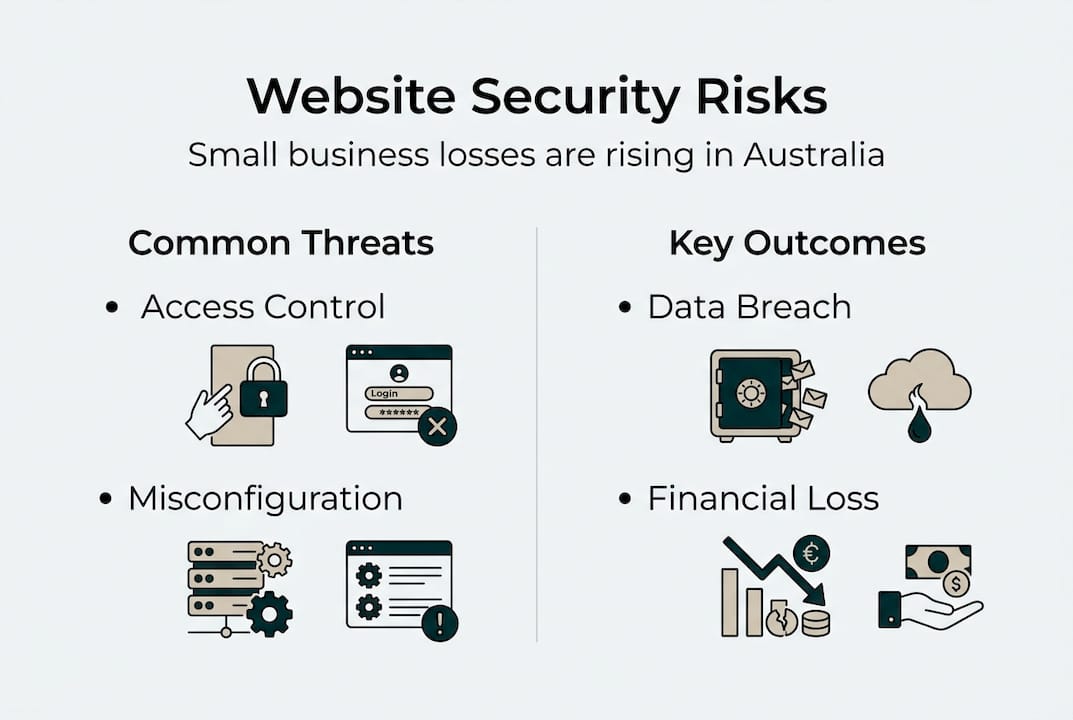
Reputation damage is often harder to recover from than financial loss. Customers who discover their data was mishandled rarely return. In Melbourne's competitive local market, word travels fast, and a single security incident can undo years of trust-building.
Here's what's genuinely at risk for your business:
- Customer data including names, emails, and payment details
- Your Google rankings, which can drop sharply if your site is flagged as unsafe
- Business continuity, with downtime affecting bookings and enquiries
- Regulatory compliance, particularly under Australia's Privacy Act
- Brand credibility with local customers who expect a safe experience
Understanding why regular updates matter is a key part of this picture. Outdated software is one of the most common entry points for attackers.
"Small businesses are not too small to be noticed. They are often targeted precisely because their defences are weaker than larger organisations."
Melbourne businesses also face specific regulatory expectations. Australia's Privacy Act requires businesses handling personal information to take reasonable steps to protect it. This means security is not just good practice. It's a legal obligation. Building your site on modern websites for Melbourne businesses with security baked in from the start is far smarter than retrofitting protections later.
With the importance of website security clear, let's understand exactly what you're protecting your business against.
Common website security threats and vulnerabilities
Now that you know why security matters, here's exactly what you should watch out for on your website.
The OWASP Top 10 2025 lists the most critical web application security risks. It's the gold standard reference for developers and business owners alike. Here's what the key risks mean in plain language:
- Broken access control means someone can access pages or data they shouldn't. Think customer records visible to anyone with the right URL.
- Cryptographic failures occur when sensitive data like passwords or card numbers aren't properly encrypted.
- Injection attacks happen when malicious code is inserted into your site's forms or search fields to extract or corrupt data.
- Authentication failures allow attackers to guess or bypass login credentials, especially when passwords are weak.
- Security misconfiguration is one of the most common issues, often caused by default settings left unchanged after installation.
- Outdated components such as old plugins or themes create known vulnerabilities that attackers actively exploit.
Broken Access Control affects 94% of apps, and 95% of cloud breaches stem from misconfiguration. These aren't rare edge cases. They're everyday realities for sites that haven't been properly maintained.
| Threat | What it means | Common cause |
|---|---|---|
| Broken access control | Unauthorised data access | Poor permission settings |
| Injection | Malicious code via forms | No input validation |
| Auth failure | Login bypass | Weak passwords, no MFA |
| Misconfiguration | Exposed settings | Default or ignored configs |
| Outdated components | Known exploits used | Unpatched plugins/themes |
Avoiding these costly website mistakes starts with understanding that most breaches don't require sophisticated hacking. Attackers often use automated tools to scan thousands of sites for basic vulnerabilities.
Pro Tip: Run a free scan using a tool like Sucuri SiteCheck to get an instant snapshot of your site's current security status. It takes less than a minute and can surface issues you didn't know existed.
Understanding threats is only half the battle. Let's move to the practical steps you can implement right now.
Proven fundamentals: Steps to secure your website
Getting the basics right will protect you against the vast majority of attacks. Here's a straightforward action plan you can follow regardless of your technical background.
- Install HTTPS using a free SSL certificate from Let's Encrypt. This encrypts data between your site and your visitors. If your URL still starts with "http" rather than "https", this is your first priority.
- Enable multi-factor authentication (MFA) on your website admin, email, and hosting accounts. MFA means an attacker needs more than just your password to get in.
- Keep everything updated including your CMS, plugins, and themes. Most successful attacks exploit known vulnerabilities in outdated software.
- Set up automated backups stored offsite, ideally daily. If your site is compromised, a recent backup means you can restore quickly with minimal disruption.
- Use a web application firewall (WAF) such as Cloudflare's free tier. A WAF filters malicious traffic before it reaches your site.
- Add security headers to your site's configuration to prevent common browser-based attacks like clickjacking and cross-site scripting.
The OWASP Developer Guide confirms these core prevention mechanics as essential baseline protections. The NIST Cyber Security Framework organises security into five functions: Identify, Protect, Detect, Respond, and Recover. Even starting with just the first two puts you well ahead of most small businesses.
| Security measure | What it does | Free or low-cost option |
|---|---|---|
| HTTPS/SSL | Encrypts data in transit | Let's Encrypt |
| MFA | Blocks unauthorised logins | Google Authenticator |
| WAF | Filters malicious traffic | Cloudflare free tier |
| Automated backups | Enables fast recovery | UpdraftPlus (WordPress) |
| Software updates | Closes known vulnerabilities | Built-in CMS tools |
| Security headers | Prevents browser attacks | Cloudflare or server config |
Pro Tip: Use our website security checklist to tick off each of these measures systematically. Pairing that with the right essential management tools makes ongoing maintenance much more manageable.
Once the basics are in place, the next step is protecting your business from advanced and evolving digital threats.
Going beyond the basics: Advanced tips and Melbourne-specific guidance
Once your foundations are solid, you can start thinking about the next layer of protection. This doesn't have to be complicated or expensive.
Threat modelling is the practice of thinking through potential attack scenarios before they happen. Ask yourself: what data does my site hold, who might want it, and how could they get it? This simple exercise, done once a year, helps you prioritise where to focus your security efforts.
Here are practical steps for going beyond the basics:
- Run regular security scans using free tools like OWASP ZAP or Sucuri to test for vulnerabilities
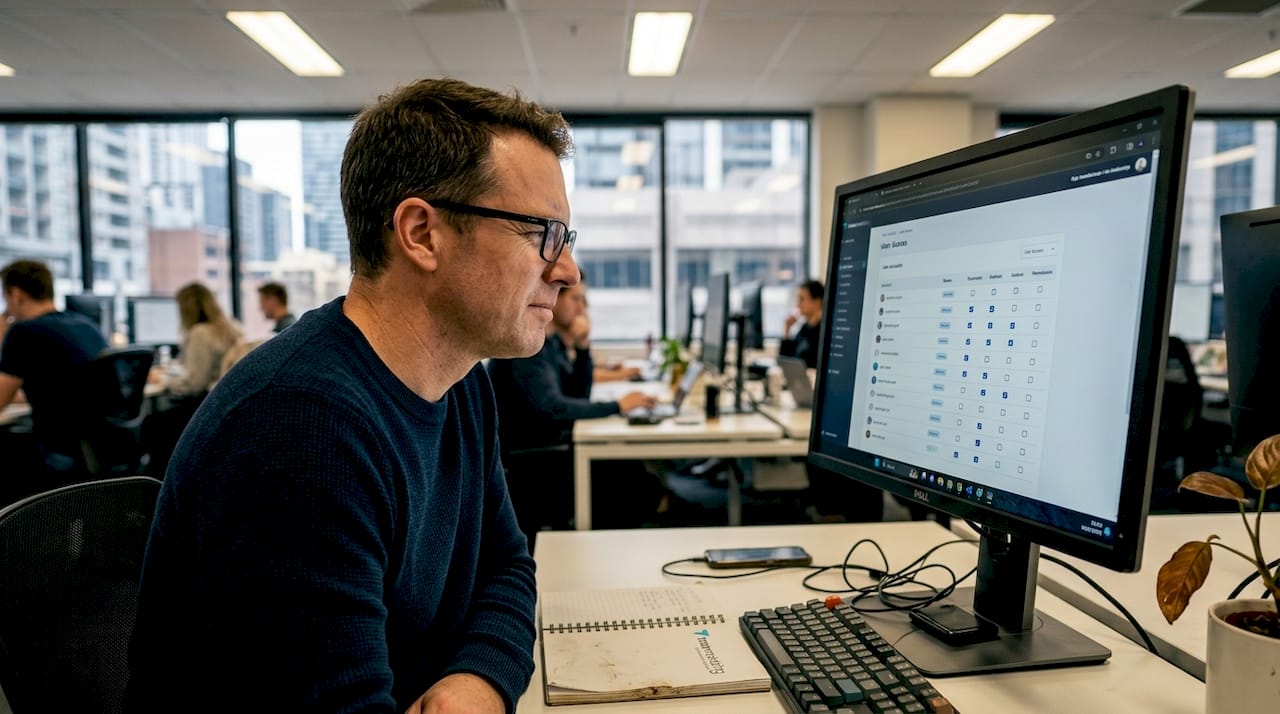
- Review user access regularly and remove accounts that are no longer needed
- Use strong, unique passwords managed through a tool like Bitwarden or 1Password
- Monitor your site's uptime and error logs to catch unusual activity early
- Test your backups by actually restoring them in a staging environment at least once a year
On the topic of WAFs, WAFs provide a strong baseline but can be evaded, so layering them with input validation and regular testing using tools like OWASP ZAP gives you much stronger coverage.
"Security is not a product you buy once. It's a habit you build over time."
For Melbourne and broader Australian businesses, local compliance adds another layer of responsibility. Our Victoria website compliance guide covers what local businesses need to know about privacy obligations and website requirements. Avoiding common website pitfalls that leave you exposed is just as important as adding new protections.
The Australian Cyber Security Centre and government security resources offer free guidance tailored to small businesses. Booking an annual security audit with a local professional is also worth considering, especially if your site handles sensitive customer data.
Pro Tip: Set a recurring calendar reminder every three months to review your plugins, user accounts, and backup logs. Consistent small actions beat occasional big efforts every time.
A Melbourne perspective: Why covering your basics beats chasing the latest threat
Here's something we've observed working with small businesses across Melbourne. Many owners get anxious about sophisticated threats like AI-driven attacks or zero-day exploits. But in practice, the businesses that get hurt are almost always the ones that skipped the fundamentals.
The uncomfortable truth is that most breaches don't require advanced techniques. An attacker finds an outdated plugin, a reused password, or an admin account with no MFA, and that's enough. Fancy security tools won't save you if the basics aren't covered.
Conventional wisdom often pushes business owners toward expensive software and complex solutions. We'd argue the opposite. Consistent, boring fundamentals, applied regularly, outperform any single tool. Think of it like physical fitness. A daily walk beats an occasional gym session you never quite get around to.
Looking at security in lead-driven sites reinforces this point. The sites that convert well and stay secure share one thing in common: they were built with strong foundations and maintained consistently. Security isn't a one-off task. It's an ongoing investment in your business's credibility and resilience.
Supercharge your website security with expert help
If reading through these steps feels like a lot to manage on your own, you're not alone. At Troov Marketing, we build secure small business websites with security fundamentals built in from day one, so you're not scrambling to add protections after the fact. We work with trades, professional services, and local businesses across Melbourne to deliver websites that are fast, reliable, and structured to protect your customers and your reputation. Start with our ultimate website checklist to see where your site currently stands, then reach out to discuss how we can help you close the gaps.
Frequently asked questions
What are the most important website security steps for small businesses?
Using HTTPS, MFA, auto-updates, a WAF, and backups are the five most critical steps. Together, they protect against the majority of common attacks.
How often should I update my website or plugins to stay secure?
You should update software and plugins as soon as updates become available. Enabling automatic updates where possible removes the risk of forgetting.
Do free security tools like Let's Encrypt and Cloudflare offer enough protection?
Free tools provide a solid starting point, but prioritising OWASP Top 10 mitigations and layering your WAF with input validation and regular updates gives you much stronger overall coverage.
What frameworks can guide my small business security strategy?
The NIST CSF and OWASP Top 10 are the two most practical frameworks for small businesses. Both are free and designed to be accessible regardless of your technical background.
Is website security different for Melbourne and Australian businesses?
Yes. Australian businesses must meet local privacy regulations under the Privacy Act in addition to following global security best practices. Local compliance is a legal requirement, not just good practice.