

TL;DR:
- Effective website navigation guides visitors and search engines to important content, boosting engagement and SEO.
- Common navigation types include top menus, mega menus, breadcrumbs, and mobile-friendly options, suitable for different business sizes.
- Regularly reviewing and simplifying navigation improves user experience, search rankings, and inquiry rates for Melbourne small businesses.
Your website might look great, but if visitors can't find what they need within a few seconds, they'll leave. Many Melbourne small business owners think of site navigation as just the menu at the top of the page. In reality, navigation is the entire system that connects every page on your website, guiding both customers and search engines to your most important content. Get it right, and you'll see more enquiries, better engagement, and stronger rankings in local Google searches. This article explains what effective navigation looks like, why it matters so much for local SEO, and how to improve it for your Melbourne business.
Table of Contents
- Understanding site navigation: The basics and beyond
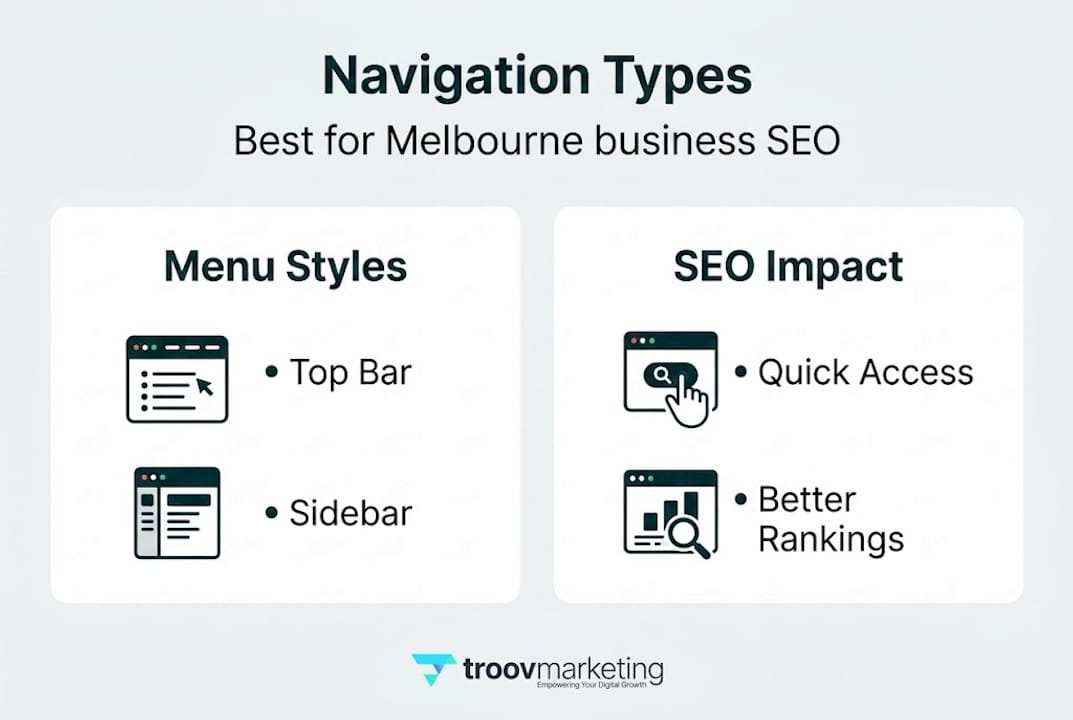
- Comparing navigation types: Which suits Melbourne businesses?
- How navigation drives local SEO and customer engagement
- Practical steps: Building navigation that works for your business
- Why most small business sites still get navigation wrong
- Next steps for Melbourne businesses: Transform site navigation with expert guidance
- Frequently asked questions
Key Takeaways
| Point | Details |
|---|---|
| Navigation drives usability | Good site navigation makes it easy for visitors to find important pages, improving their experience and increasing engagement. |
| Boosts local SEO | Optimising navigation helps search engines understand your site structure, leading to higher rankings in Melbourne search results. |
| Types fit your business | Choose a navigation style that highlights your services and matches your business goals for the best results. |
| Regular audits matter | Businesses who regularly review and refine their navigation see higher conversions and more customer enquiries. |
| Expert help accelerates results | Working with specialists can save time and ensure your site navigation is both user and SEO friendly. |
Understanding site navigation: The basics and beyond
Site navigation is far more than a horizontal menu bar. It's the entire framework that organises how your pages relate to each other and how users and search engines move through your website. Think of it as the layout of a physical shop. If products are scattered with no logical order, customers get frustrated and leave. A well-organised shop keeps people browsing longer and buying more. Your website works the same way.
At its core, site navigation includes several key elements:
- Primary menu: The main links at the top of every page, usually pointing to your most important sections such as Services, About, and Contact.
- Secondary menu: Often found in a footer or sidebar, these links point to supporting pages like FAQs, privacy policies, or blog posts.
- Breadcrumbs: A trail of links showing users where they are within your site (for example: Home > Services > Plumbing). These are especially useful on larger sites with multiple service categories.
- Internal links: Links within your content that guide readers to related pages, helping both users and search engines discover more of your site.
- Mobile navigation: Menus designed specifically for smaller screens, often using a "hamburger" icon (those three horizontal lines) to keep things tidy.
Each of these elements plays a role in navigation best practices that are worth understanding before you make any changes.
Good navigation reduces friction. When a potential customer lands on your website and can immediately see a clear path to your services or contact details, they're far more likely to act. The longer they have to search for basic information, the higher the chance they'll leave and visit a competitor's site instead.
From a search engine perspective, navigation signals which pages on your site are most important. Search engines like Google send out automated "crawlers" (software that reads and maps websites) to follow links and understand your site's structure. If your most valuable pages are buried under multiple layers of menus or not linked at all, crawlers may miss them entirely. This directly affects your rankings.
Navigation connects usability with SEO by making important pages easier to discover for users and crawl and index for search engines, which can improve visibility and conversions.
For Melbourne businesses, this is especially relevant when you're competing against dozens of similar local businesses in search results. Effective navigation, combined with strong Melbourne local SEO tips, gives you a real competitive edge. It's not just about looking professional. It's about being found, and then keeping people engaged once they arrive.
Comparing navigation types: Which suits Melbourne businesses?
With a solid understanding of navigation's purpose, let's examine the types available and their strengths for Melbourne businesses. Not all navigation styles suit every business. The right choice depends on your services, your customers, and how much content your site contains.
Here's a quick comparison to help you decide:
| Navigation type | Best for | Strengths | Watch out for |
|---|---|---|---|
| Simple top menu | Small sites (3-7 pages) | Clean, fast, easy to scan | Limited space for many services |
| Mega menu | Larger sites with many categories | Organises lots of options clearly | Can overwhelm users if overloaded |
| Hamburger menu (mobile) | Mobile-first businesses | Saves screen space on phones | Can hide key links from casual visitors |
| Footer navigation | All businesses | Great for secondary links | Often overlooked by users |
| Breadcrumb navigation | Service-heavy or blog sites | Helps users understand site structure | Needs consistent page hierarchy |
For most Melbourne small businesses, a simple top menu combined with a well-structured footer is the most practical starting point. Here's how this plays out for three common business types:
-
Local café: A café website typically needs Home, Menu, Location, Hours, and Contact in the main navigation. Customers are often searching on mobile while out and about, so simplicity and speed are priorities. A prominently placed "Find us" link with a Google Maps embed makes a huge difference.
-
Plumber or tradie: A plumbing business benefits from listing specific services in the navigation, such as Emergency Repairs, Hot Water Systems, and Blocked Drains. This approach supports service page design tips by directing visitors and search engines to individual service pages, each of which can rank for its own keyword.
-
Boutique or retail shop: A boutique might use a secondary navigation level to organise product categories. Clear categories help customers browse efficiently and reduce the number of clicks needed to reach a specific product.
Pro Tip: Whatever navigation type you choose, always make your main services and contact details accessible within one or two clicks from any page. Customers who have to hunt for a phone number or address will simply leave.
For Melbourne businesses thinking about local SEO website design, your navigation structure should also reflect the geographic areas you serve. Consider adding a "Service areas" page to your menu if you work across multiple suburbs. This signals relevance to local searches without cluttering your main navigation.
How navigation drives local SEO and customer engagement
Once you select the right navigation style, it's crucial to understand the connection between navigation and customer actions as well as local search performance. The relationship between these three things, navigation, SEO, and engagement, is tightly linked and worth exploring in detail.
Search engines prioritise websites that are well-organised. When Google's crawlers can follow a clear path from your homepage to every important page, your entire site benefits. Pages that are hard to reach (sometimes called "orphan pages" because no other page links to them) often fail to rank, even if the content is excellent. Navigating usability and SEO together means your key service pages get discovered, indexed, and ranked far more reliably.

Consider what happens when a Melbourne resident searches for "emergency plumber Fitzroy." Google doesn't just look at the content of individual pages. It also considers how well-structured the site is overall. A plumbing website with a clear navigation path to an "Emergency Plumbing" service page, linked prominently from the homepage and footer, signals to Google that this page is important. The result is better visibility in local search results.
Here's how navigation improvements can shift the numbers for a typical small business:
| Navigation change | Likely impact |
|---|---|
| Adding dedicated service pages to the menu | Improved ranking for specific service keywords |
| Simplifying menu to 5-7 items | Reduced bounce rate (visitors leaving immediately) |
| Adding a mobile-friendly menu | Longer session times on mobile devices |
| Including suburb-based service area pages | Better visibility in local map and search results |
| Adding breadcrumbs to service pages | Clearer site structure for search engines |
Businesses that update their navigation consistently report measurable results. In fact, improving site navigation has been linked to 20% more enquiries for small business websites, simply by making it easier for visitors to reach a contact form or phone number.
The customer engagement side is equally important. When someone lands on your site and sees a clear, logical menu, they immediately feel more confident. It signals professionalism and trustworthiness. A confusing or cluttered navigation does the opposite. It raises doubt.
Key ways effective navigation drives engagement:
- Reduces bounce rate: Visitors who can easily find what they need are less likely to click away immediately.
- Increases pages per session: Clear internal links encourage visitors to explore more of your site, building familiarity with your business.
- Supports conversions: A well-placed "Get a quote" or "Book now" link in the main menu makes it easy for ready-to-act customers to take the next step.
- Builds trust: Consistent, logical navigation signals a professional, reliable business.
Understanding SEO basics for beginners can also help you see how navigation fits into the broader picture of ranking your website in Melbourne's local search results. Navigation is just one piece, but it's a foundational one.
Practical steps: Building navigation that works for your business
Understanding the impact of navigation, let's focus on how to build and refine it for real business results. Whether you're starting fresh or working with an existing website, these steps will help you create navigation that genuinely serves your customers.
-
Map your main business pages. Before touching your menu, list every page on your website and decide which ones are most important to your customers. For most Melbourne small businesses, this means your homepage, key service pages, about page, contact page, and possibly a testimonials or gallery page. These are your priority links.
-
Audit your existing navigation for clarity. Open your website as if you're a first-time visitor. Ask yourself: Can I find the main services within two clicks? Is the contact page obvious? Does the menu make sense without knowing anything about the business? If the answer to any of these is no, that's a clear signal to simplify and reorganise.
-
Check logical flow and hierarchy. Your navigation should follow a logical order that reflects how customers think, not how your business is internally organised. Group related services together. If you offer three types of cleaning services, for example, consider grouping them under a single "Services" dropdown rather than listing each one separately in the main menu.
-
Test navigation on mobile devices. More than half of website visits in Australia now come from mobile phones. Pull up your website on your smartphone and try to navigate to your contact page, your main service, and your location. If any of these takes more than two taps or requires zooming in, your mobile navigation needs attention.
-
Add internal links within your content. Don't rely solely on the menu. Each page of your website should include links to related pages, pointing visitors toward the next logical step. A blog post about roof maintenance might link to your roofing services page, for example.
-
Use analytics to guide improvements. Google Analytics (a free tool from Google that tracks how people use your website) can show you which pages get the most visits, where people drop off, and which navigation paths are most common. This data helps you prioritise changes based on real customer behaviour.
-
Review your navigation regularly. Navigation that made sense when your website launched may not reflect your current services or customer needs. Set a reminder to review it at least once a year, or whenever you add a new service, change your business focus, or expand into new suburbs.
Use the website improvement checklist as a starting point for auditing your current navigation alongside other key website elements.
Pro Tip: Ask a friend or colleague who doesn't know your business to find your contact details and main service on your website. Time how long it takes. If it's more than 15 seconds, your navigation needs work.
Why most small business sites still get navigation wrong
Here's something we've noticed working with Melbourne small businesses over the years. Navigation is almost always treated as an afterthought. Business owners spend weeks agonising over logo colours, photography, and taglines, but navigation gets whatever feels right in the moment. The result is menus that reflect the owner's internal view of the business rather than the customer's needs.
The real problem isn't a lack of effort. It's a lack of perspective. When you know your own business inside out, it's easy to assume your customers know what they're looking for and where to find it. They don't. They need clear signposts.
We've also seen the opposite mistake, where business owners overcomplicate navigation in an attempt to be helpful. Menus with twelve top-level items, sub-menus that expand into further sub-menus, and footer links that duplicate the main menu. More isn't better. It's just more overwhelming.
The businesses that get the best results are those that align their navigation directly with customer intent. What are your customers trying to do when they visit your site? Call you. Find your address. Understand your services. Get a quote. Your navigation should make every one of those actions as quick and easy as possible.
The surprising truth is that even small, targeted changes, removing two confusing menu items, adding a "Contact" button to the top right corner, creating a single clear path to your most popular service, can produce significant improvements in enquiry rates. But only if you're reviewing and updating your navigation regularly, not just setting it and forgetting it. Avoiding common navigation mistakes is genuinely one of the highest-return improvements a small business can make to its website.
Next steps for Melbourne businesses: Transform site navigation with expert guidance
If this article has prompted you to take a closer look at your website's navigation, you're already ahead of most small business owners. Troov Marketing works with local businesses across Melbourne to build websites that are clear, fast, and structured to support local SEO from day one. From reviewing your current navigation to redesigning your entire small business website design, we bring practical expertise and a genuine understanding of what Melbourne customers need. Explore our Melbourne design and SEO approach, or start with our free website improvement checklist to identify quick wins today.
Frequently asked questions
How does good site navigation benefit my Melbourne business?
Effective navigation improves customer experience and helps your website rank higher in local Google searches. As Website Navigation Academy notes, navigation makes important pages easier to discover and index, leading directly to more enquiries and conversions.
What are the most important pages to include in navigation?
Include your main services, contact page, about page, and location details. Melbourne customers frequently search for these first and expect to find them immediately without having to scroll or search.
Can improving navigation really boost SEO?
Yes, good navigation improves crawlability and indexing, making it far easier for search engines to map and rank your site's most important pages in local search results.
How often should I review my site navigation?
Review your navigation at least once a year, or after any significant business change such as adding a new service or expanding to new Melbourne suburbs, to keep it relevant and easy to use.